ACCOUNT CREATION
REPLACING BATTERIES
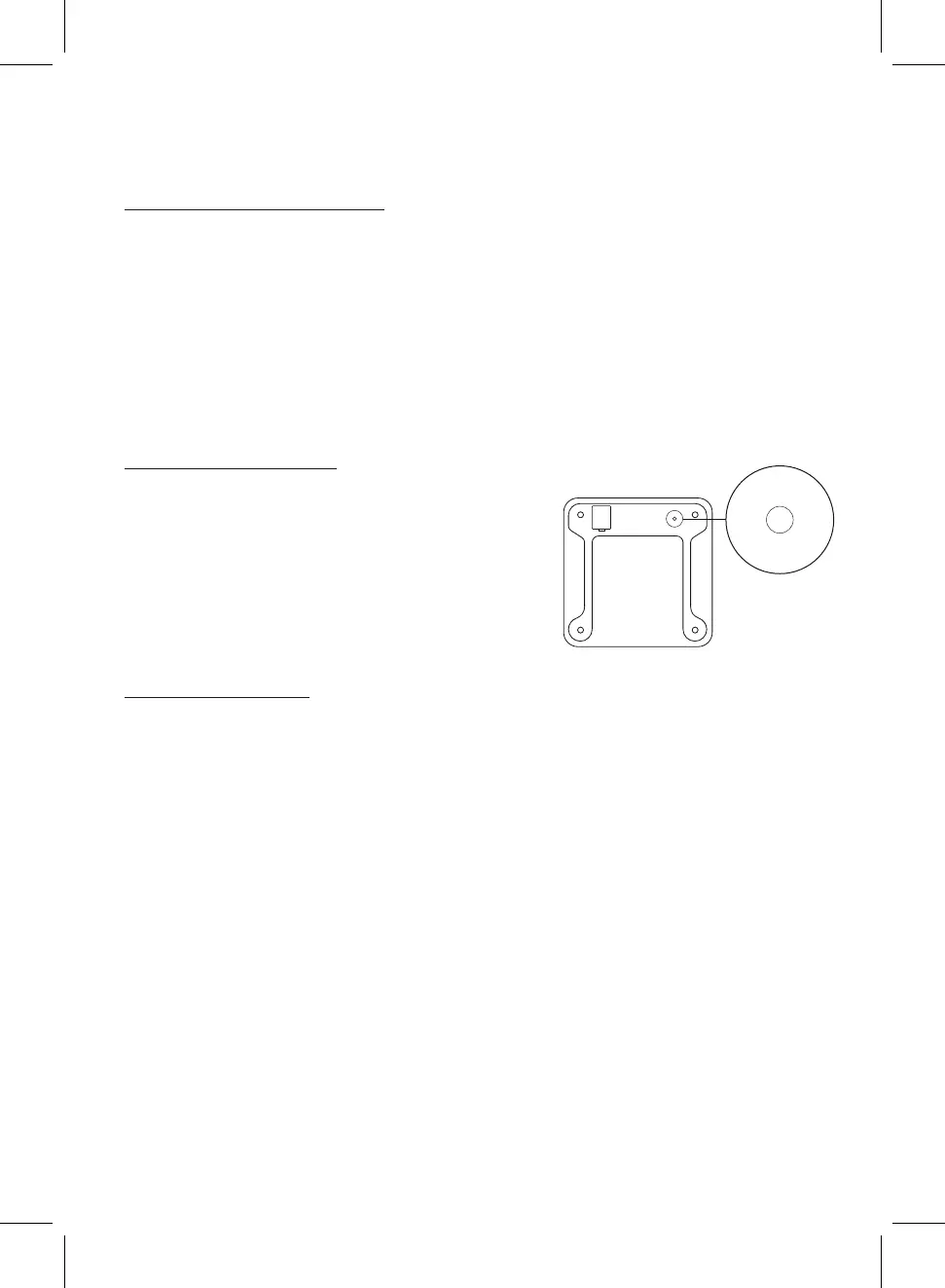
Turn the smart scales over and place on a dry and flat surface.
Carefully remove the battery cover to reveal the battery compartment.
Remove the 3 old AAA batteries and insert 3 new AAA batteries. Ensure that the
positive and negative ends of the batteries are facing the correct polarity
directions as marked within the battery compartment.
Replace the battery cover.
1.
2.
3.
4.
MEASURING UNITS
These smart scales can measure in kilograms
(kg), pounds (lb), and stone (st). Press the UNIT
button located on the bottom of the smart scales
to cycle through and select the desired
measuring unit.
ACTIVE ERA APP
1. Open the Active Era app.
2. Press the Sign Up button.
3. Follow the on-screen instructions.
English | 4
Note, entering the incorrect gender, age, or height during account creation may
result in inaccurate measurements.
Note, to improve the accuracy of the measurements for individuals with unique body
types (e.g. significant upper body muscle, athletes or bodybuilders) ensure that
athlete mode is selected when creating an account.
Note, each main account can individually track the data of 24 users.


 To Next Page