6 7
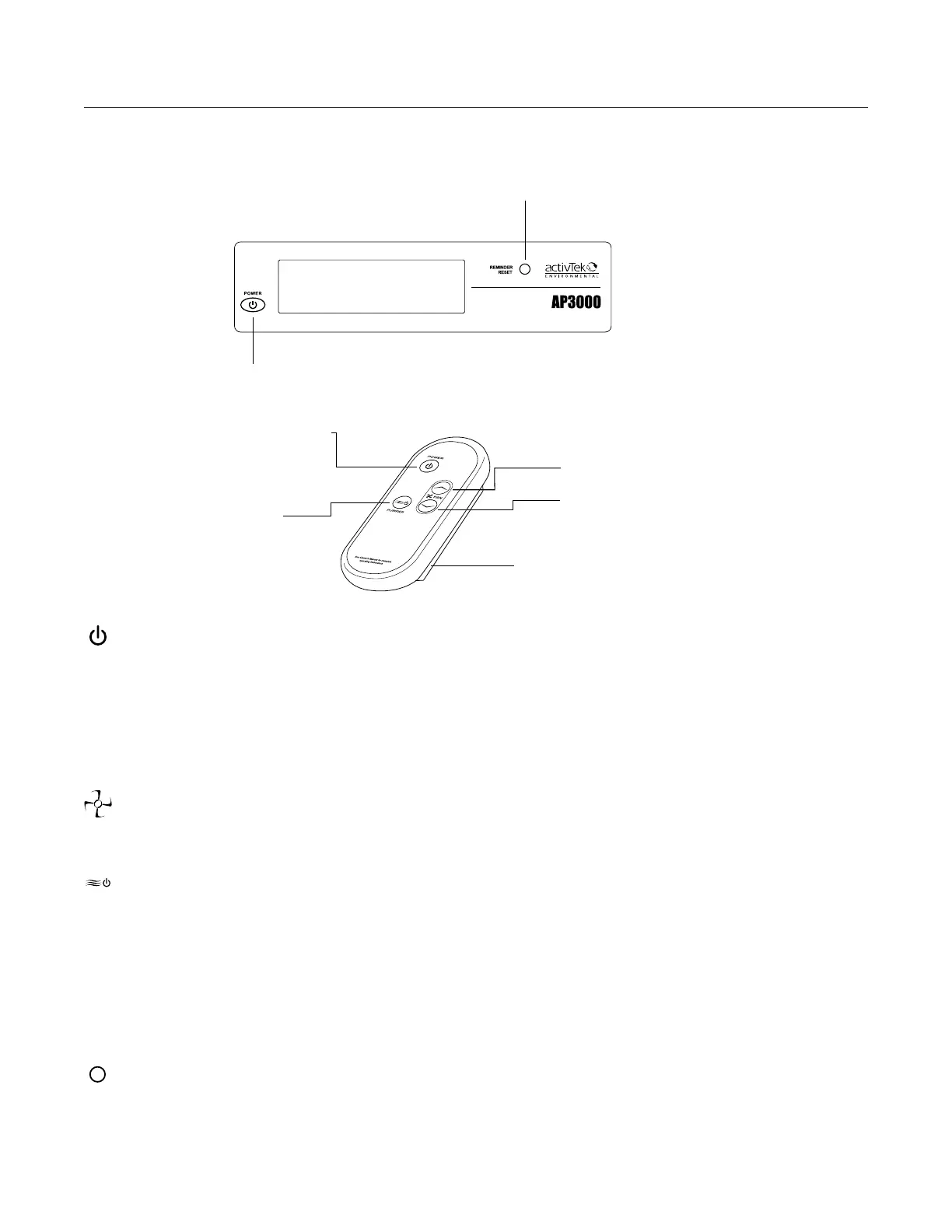
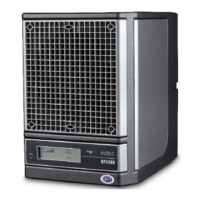
AP3000 II can be turned on or off and adjusted using either the included remote or the control panel on the
front of the unit. Purifier and Fan Speed is controlled with the remote control ONLY.
Power ON/OFF
Reminder Reset
POWER (stand by)
Turns the unit ON and OFF.
AP3000 II can be turned on or off using either the included remote or the control panel on the front of the unit
.
REMOTE CONTROL FUNCTIONS
FAN UP/FAN DOWN
Adjusts the five speed fan.
PURIFIER
Turns the ActivePure® Cell(s) on or off:
• RCI PUR OFF Fan and Ionization ON, Cell(s) OFF
• RCI PUR LOW Fan and Ionization ON, Cell 1 ON)
• RCI PUR HIGH Fan and Ionization ON, Cell 1 ON, Cell 2 ON
Reminder Reset (Control Panel only)
Clears the maintenance reminders after performing routine maintenance.
Power ON/OFF
Battery
compartment
(2 AAA)
Fan DOWN
Fan UP
Purifier
Low/High/Off
SETTINGS AND ADJUSTMENTS


 To Next Page