6
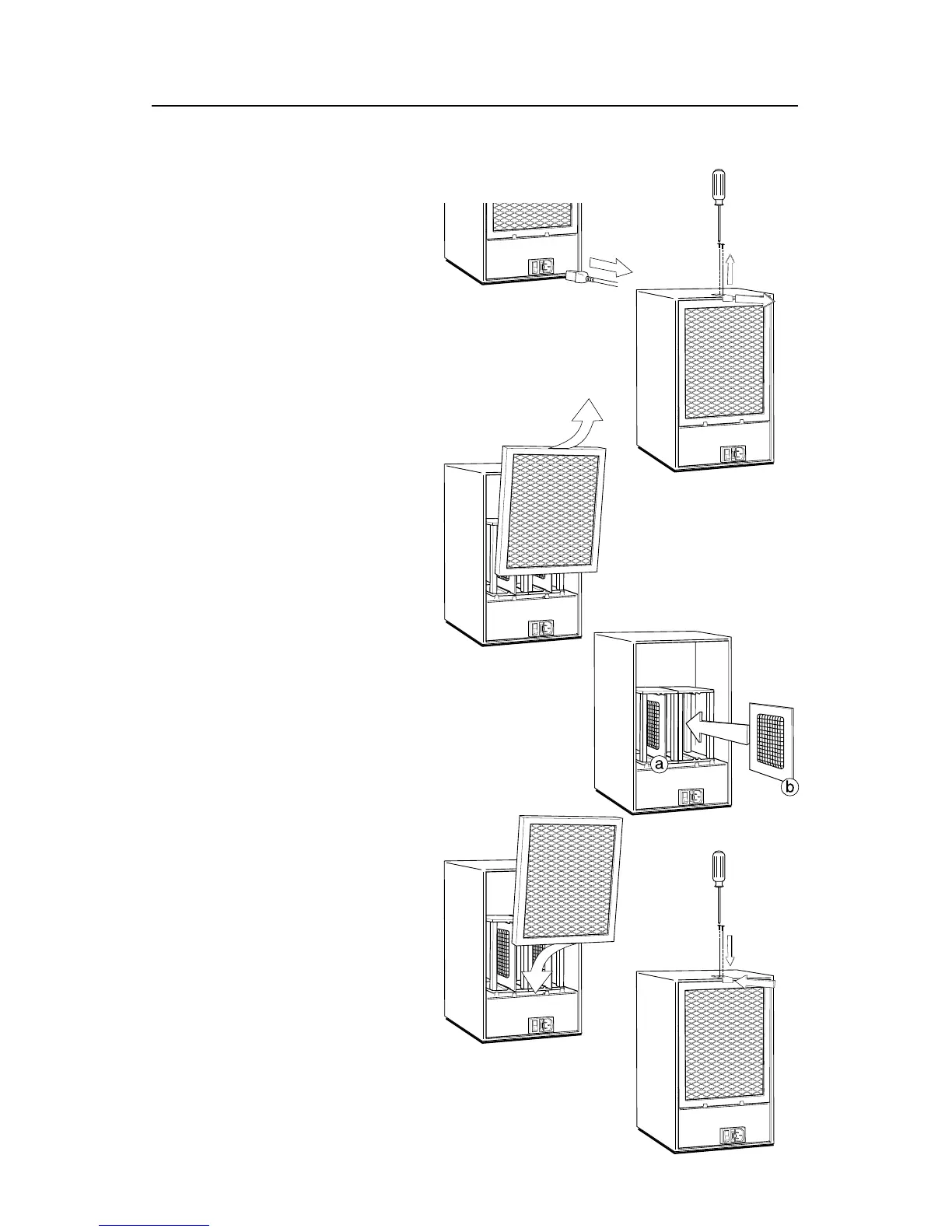
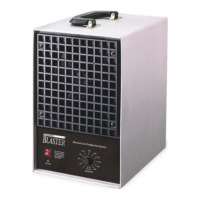
The Ozone Blaster utilizes two ozone plates.
OZONE PLATE INSTALLATION
2. Remove two (2) screws and
clip from top of unit.
1. Unplug the unit before
doing any work.
3. Remove filter by tilting and pulling up.
4. Fully insert the ozone plates (a & b) between
the guide-grooves in the top and bottom of the
plate cage (between the posts and clips) making
sure the metal clip on each side of the plate is in
contact with the metal screen on the plate.
5. Re-install lint screen as shown.
6. Re-install clip and two (2) screws
as shown.


 To Next Page