7
1. FAN CONTROL
The disbursement of purication properties is best accomplished with good air circulation.
This will be determined by personal preference and the distance you wish the purication
properties to be dispersed.
NOTE: A ceiling fan can also aid in distribution of purication properties.
2. OZONE CONTROL
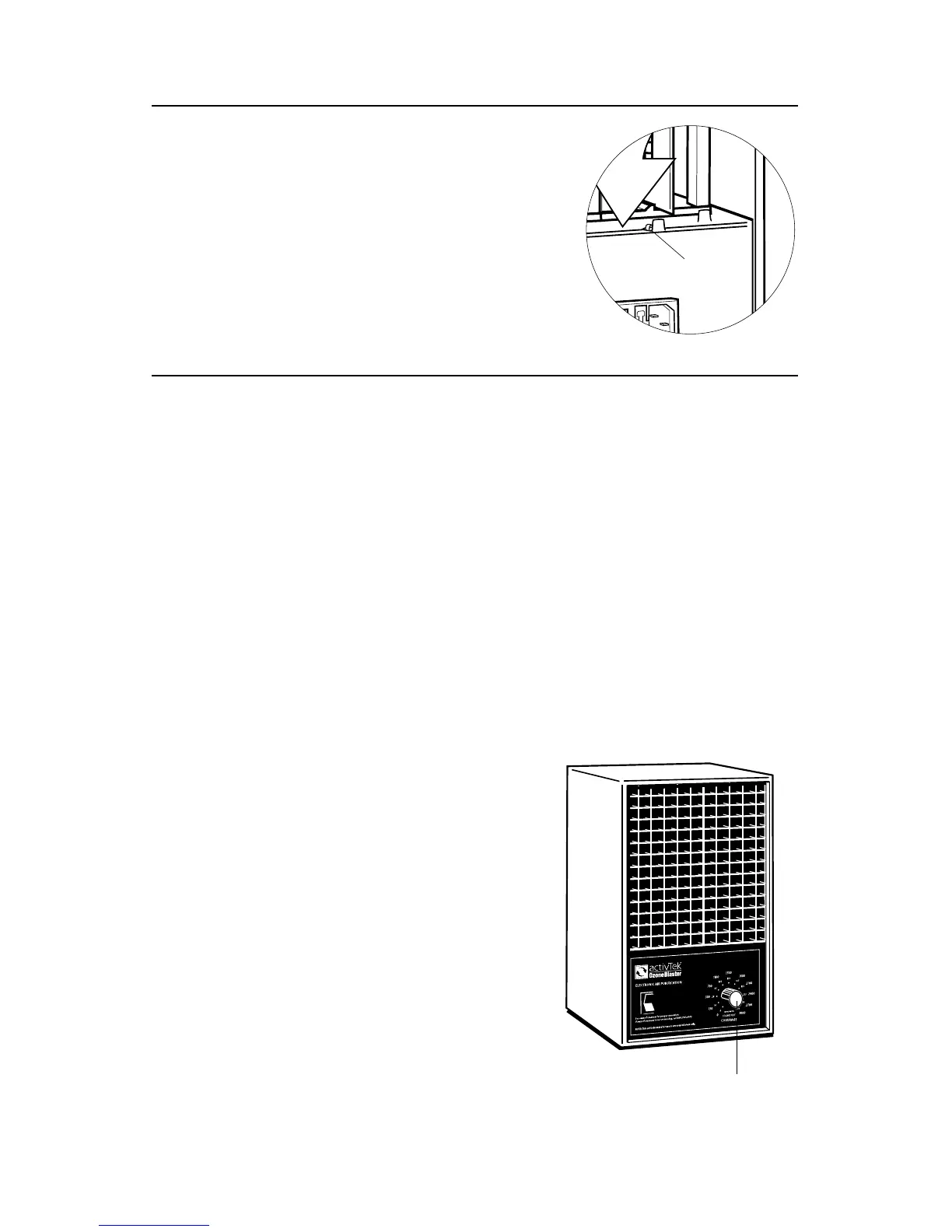
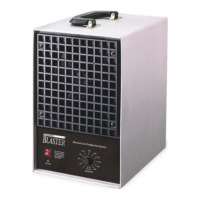
• Turn the power switch to the “ON” position (this will activate the fan).
• Set the ozone control to the desired quantity of ozone emission. Ozone will then be
emitted for an indenite amount of time.
3. OZONE INFORMATION
Ozone is one of the most powerful oxidizing gases found in all outdoor environments.
It is capable of reacting or destroying vast numbers of organic materials found in indoor
environments. Used in low dosages, it is capable of
controlling odors.
As with all useful materials and tools, side eects and
risks need to be taken into consideration when using
them. Ozone, in extremely high concentrations, is
capable of causing eye and skin irritation, coughing,
headaches, chest pain, and small lung volume reductions.
These aects are reversible upon the lowering or removal
of the extremely high levels of ozone.
1. Always install bottom of lint screen rst.
2. The lint screen should depress the
safety switch.
3. Fit top of lint screen into cabinet.
Unit will not operate if safety switch is not depressed.
LINT SCREEN INSTALLATION
SETTING/ADJUSTING
Lint
Screen
Safety
Ozone Control


 To Next Page