EasyManua.ls Logo

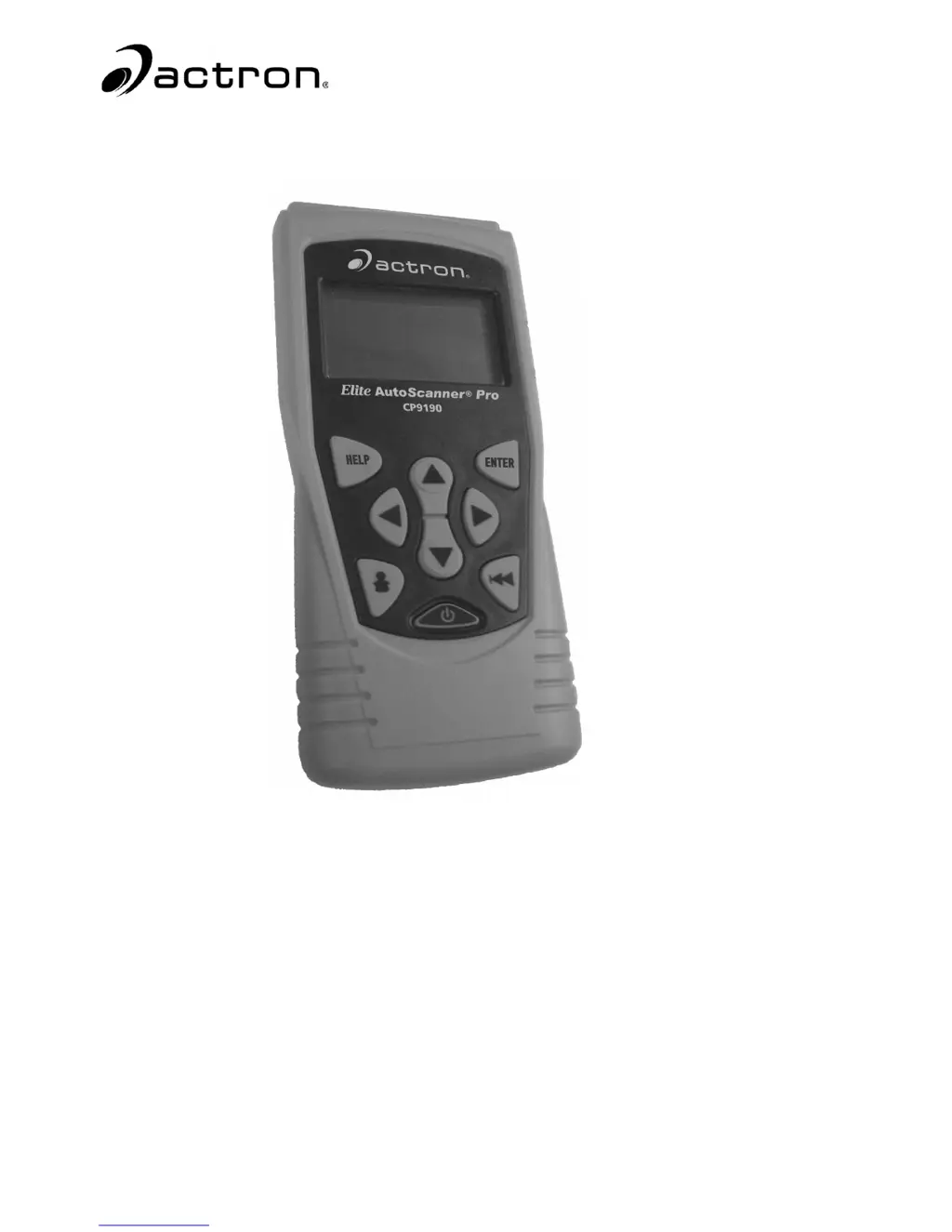
Actron Elite AutoScanner CP9185 - User Manual

Actron Elite AutoScanner CP9185
240 pages
Print Icon
To Next Page IconTo Next Page
Loading...
CP9185
CP9190
Elite AutoScanner
®
Elite AutoScanner
®
Pro
P/N 0002-001-2933

Table of Contents

Questions and Answers

  • T
    Tina SextonAug 11, 2025
    How to fix an Actron Elite AutoScanner CP9185 that does not power up?
    • S
      Samuel GomezAug 11, 2025
      If your Actron Scanner isn't powering up, first check and replace the 9V battery if necessary. Make sure to clean the DLC pins and disconnect and reconnect the DLC to ensure it's properly connected. Also, verify that the vehicle battery has at least 8.0 volts.
  • R
    Robert LawrenceOct 24, 2025
    What to do if my Actron Elite AutoScanner CP9185 Scanner shows error messages?
    • J
      Jeremiah AdamsOct 24, 2025
      If your Actron Scanner displays error messages, start by ensuring the ignition key is in the ON position, not ACCESSORIES. Verify the OBD II cable is securely connected to both the vehicle's data link connector (DLC) and the scan tool. Inspect the DLC for any damage like cracked or recessed pins, or any substance preventing a good connection. Test for continuity between the DLC wiring and the computer. Check for bent or broken pins. With the key on but the engine off (KOEO), check for blown fuses and ensure the vehicle’s control module has a good ground. If the computer case is grounded, clean the connection and apply conductive grease to the mating surfaces. Also, with the KOEO, verify the battery voltage is at least 8.0V. If the issue persists, the control module might be defective; refe...

Summary

Section 1 - Using This Manual

Section 3 - Using The Scan Tool

Specifications

Technical specifications of the scan tool, including display and dimensions.

Power

Instructions on powering the scan tool on and off, and battery information.

System Setup

Overview of the system setup options available on the scan tool.

Section 4 - Global OBD II Diagnostics

Global Function List

Overview of the functions available for Global OBD II diagnostics.

Section 5 - GM Diagnostics

GM Enhanced (OBD II) Diagnostics

Diagnostic Codes Menu

Menu for accessing diagnostic codes for GM Enhanced vehicles.

Section 6 - Ford Diagnostics

Record Data

Function to record vehicle PIDs for diagnosing intermittent driveability problems in Ford vehicles.

Read KOEO Codes

Activates KOEO and Continuous Memory self-tests to retrieve KOEO DTCs.

Read KOER Codes

Activates KOER self-test to retrieve KOER DTCs when the engine is running.

Section 7 - Chrysler Diagnostics

Erase Codes

Procedure for deleting DTCs from Chrysler vehicle computer memory.

Section 8 - Import Diagnostics

Read Codes

Function to read DTCs from imported vehicle control modules.

Section 9 - Troubleshooting

Error Messages

Checks for common error messages and provides troubleshooting steps.

Scan Tool Does Not Power Up

Troubleshooting steps for when the scan tool fails to power up.

Vehicle Communication Fault

Steps to resolve vehicle communication faults where the control module is unresponsive.

Actron Elite AutoScanner CP9185 Specifications

General IconGeneral
BrandActron
ModelElite AutoScanner CP9185
CategoryScanner
LanguageEnglish

Related product manuals