EasyManua.ls Logo

Actron CP9180 - User Manual

Actron CP9180
104 pages
Print Icon
To Next Page IconTo Next Page
Loading...
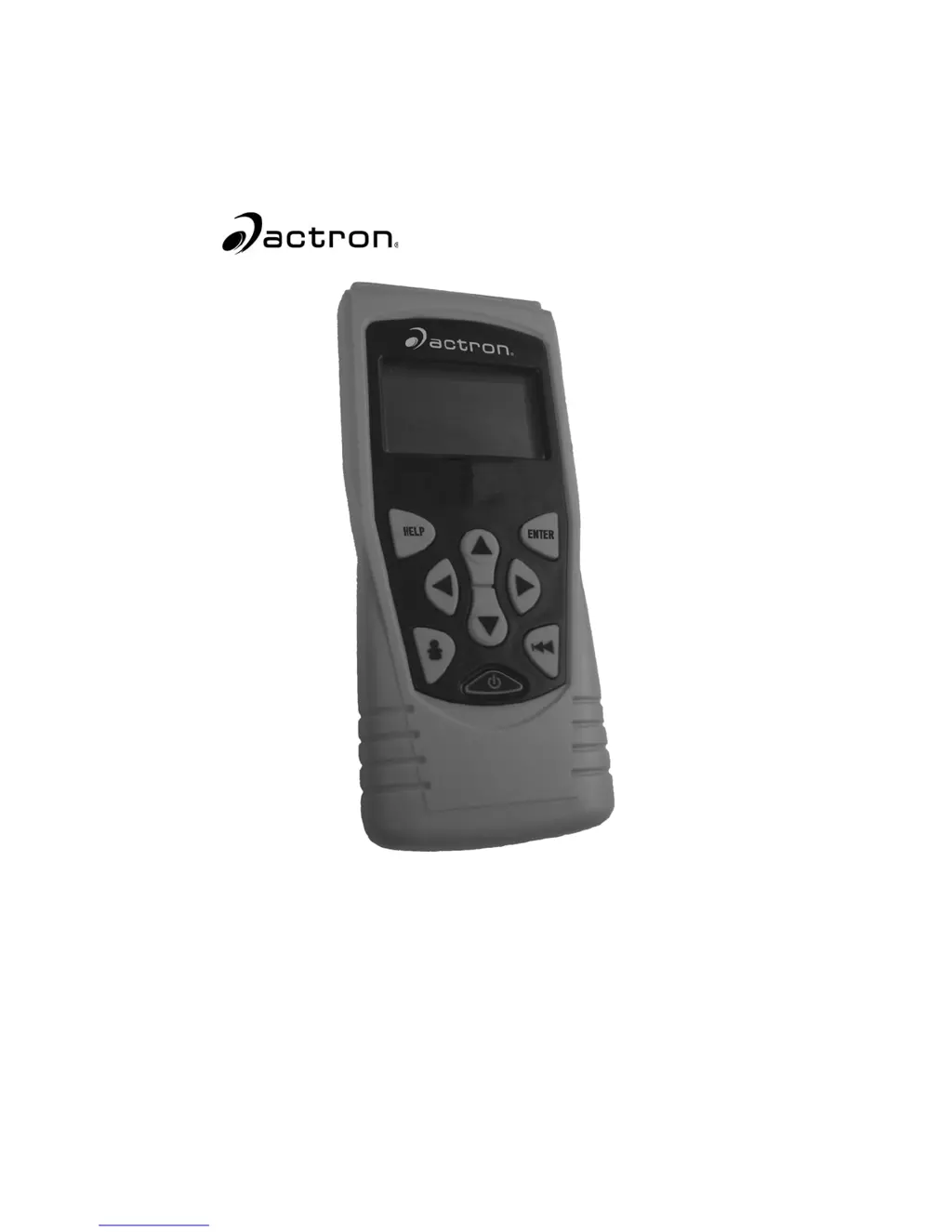
AutoScanner Plus
P/N 0002-000-2935
CP9180
®

Other manuals for Actron CP9180

Questions and Answers

  • R
    Ryan BowmanAug 9, 2025
    How to fix Actron CP9180 that does not power up?
    • C
      Christian JenkinsAug 9, 2025
      If your Actron Scanner is not powering up, first check and replace the 9V battery if necessary. Then, clean the DLC pins and ensure the DLC is correctly connected by disconnecting and reconnecting it. Also, check the vehicle battery to ensure it has at least 8.0 volts.
  • P
    peckandrewOct 24, 2025
    What to do if my Actron Scanner shows error messages?
    • R
      ramirezjamesOct 24, 2025
      If your Actron Scanner displays error messages, ensure the ignition key is in the ON position, not ACCESSORIES. Verify the OBD II cable is securely connected to both the vehicle's data link connector (DLC) and the scan tool. Inspect the DLC for any damage like cracked or recessed pins, or any substance that might hinder electrical connection. Test the continuity between the DLC wiring and the computer, as a broken wire could be the issue. Check for bent or broken pins. With the key on and the engine off (KOEO), check for blown fuses. Ensure the vehicle's control module has a solid ground; clean the connection and apply conductive grease to the mating surfaces if the computer case is grounded. Also, with the KOEO, ensure the battery voltage is at least 8.0V. If problems persist, the control...

Summary

Safety Precautions

Important Safety Messages

Details critical safety warnings for operating the scan tool.

Section 3 - Using The Scan Tool

Scan Tool Overview and Setup

Covers the physical tool, its setup, interface, and basic configurations.

Vehicle Interaction and Data Handling

Explains connecting to vehicles, selecting them, and managing diagnostic data.

Section 4 - Vehicle Diagnostics

Diagnostic Code Management

Procedures for reading, understanding, and clearing diagnostic trouble codes.

Data Acquisition and Review

How to view live data, freeze frame data, and vehicle information.

Section 5 - Troubleshooting

Common Scan Tool Issues

Guidance on diagnosing and resolving common scan tool and communication problems.

Actron CP9180 Specifications

General IconGeneral
BrandActron
ModelCP9180
CategoryScanner
LanguageEnglish

Related product manuals