• • • • • • • • • • • • • • • • • • • • • • • • • • • • • • • • • • • • • • • • • • • • • • • • • • • • • • • • 4 – 13
Vehicle Diagnostics
4
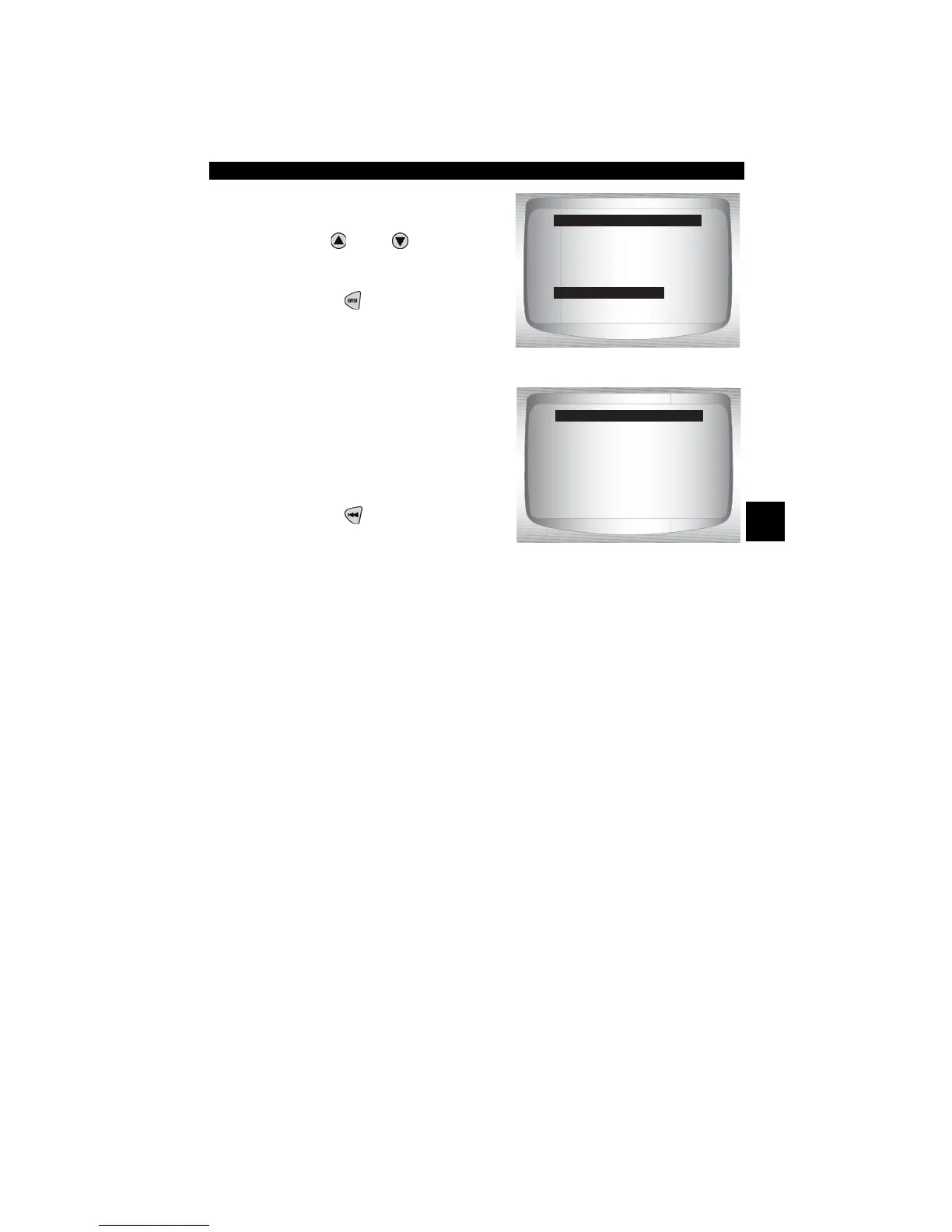
From the OBD II Function List:
1. Select
State OBD Check
•Use
UP
or
DOWN
arrow
key until State OBD Check is
highlighted
•Press
ENTER
.
2. View State OBD Check
Display
3. Return to OBD II Function
List.
•Press
BACK
View Data
The View Data function allows real time viewing of the vehicle’s
computer module’s PID data. As the computer monitors the vehicle,
information is simultaneously transmitted to scan tool.
✓ View data allows the following items to be viewed on the scan tool:
❒ Sensor data
❒ Operation of switches
❒ Operation of solenoids
❒ Operation of relays
✓ View data can be shown as:
❒ Entire Data List
❒ Custom Data List
✓ Apart from Read Codes, View Data is the most useful diagnostic
function for isolating the cause of a vehicle operation problem.
OBD II Function List
=====================
I/M Readiness
Read Codes
Pending Codes
Erase Codes
State OBD Check
View Data
State OBD Check
=====================
MIL Status ON
Codes Found : 1
Monitors OK: 3
Monitors Inc: 4
Monitors N/A: 4
Press BACK To Exit



 To Next Page