EasyManua.ls Logo

Actron CP9180 - Changing Display Contrast

Actron CP9180
104 pages
Print Icon
To Next Page IconTo Next Page
To Previous Page IconTo Previous Page
Loading...
Using The Scan Tool
3 – 6 • • • • • • • • • • • • • • • • • • • • • • • • • • • • • • • • • • • • • • • • • • • • • • • • • • • • • • • •
3
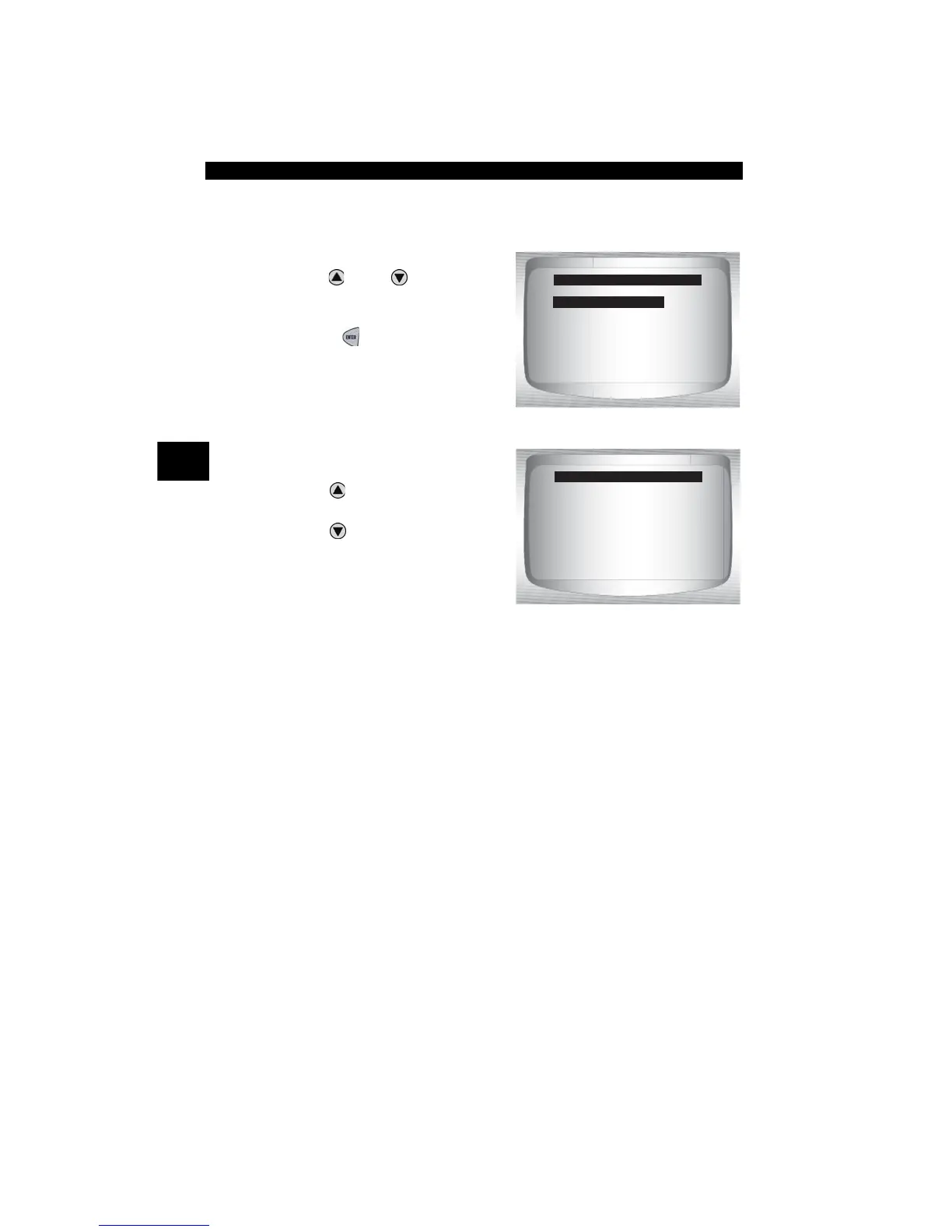
Changing Display Contrast
From System Setup screen:
1.Select Contrast Adjust.
•Use
UP
or
DOWN
arrow
key until Display Contrast is
highlighted.
•Press
ENTER
.
2.Increase or Decrease
Display Contrast.
•Use
UP
a
rrow key to
increase Contrast.
•Use
DOWN
arrow key to
decrease Contrast.
SYSTEM SETUP
=====================
Contrast Adjust
Display Test
Keypad Test
Memory Test
Tool Information
Program Mode
50%
ADJUST CONTRAST
=====================
Press ENTER
when Done
Darken
Lighten

Other manuals for Actron CP9180

Related product manuals