Using The Scan Tool
3 – 10 • • • • • • • • • • • • • • • • • • • • • • • • • • • • • • • • • • • • • • • • • • • • • • • • • • • • • • •
3
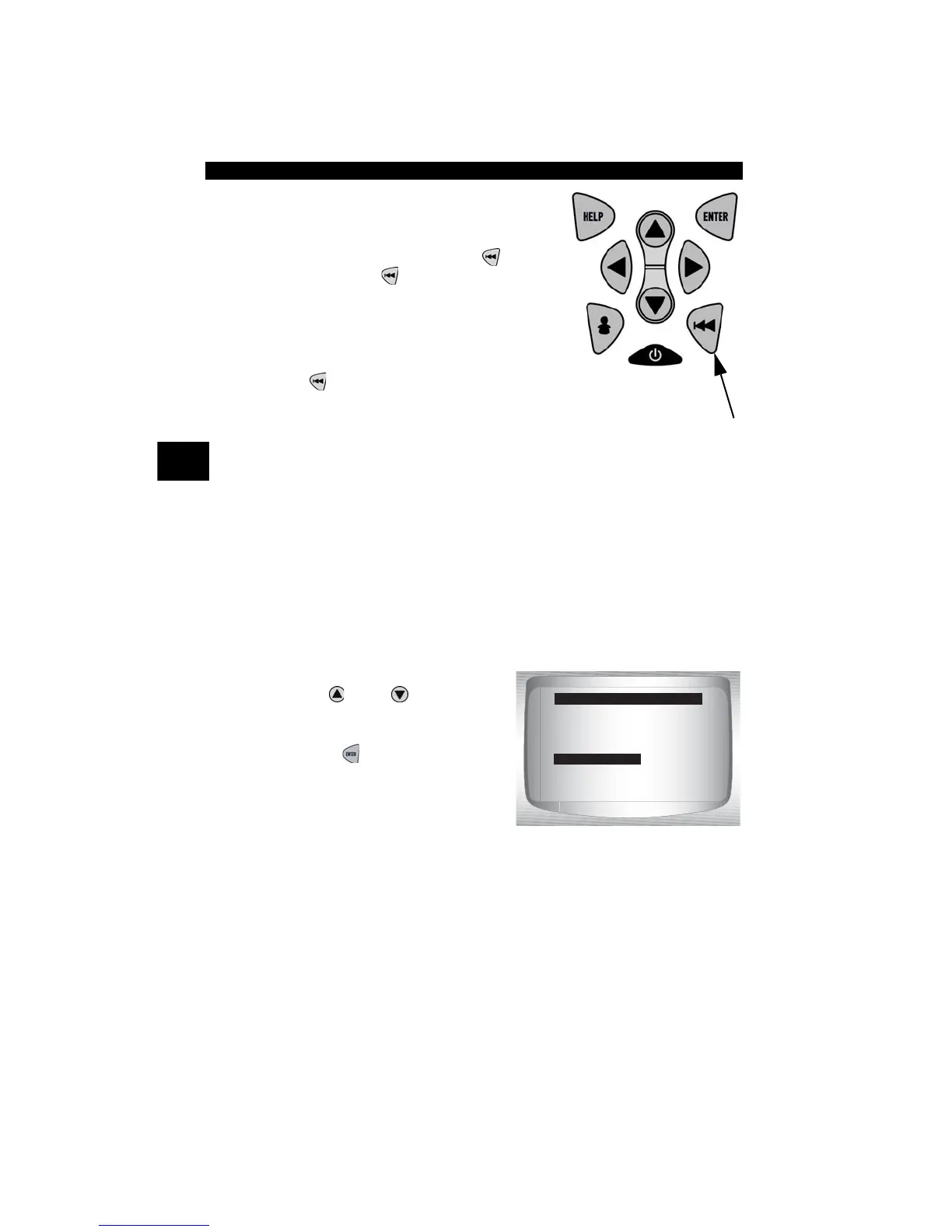
2.Press a
KEY
.
• Key name or scroll direction should
inverse colors on display.
• The only exception is the
BACK
key. When
BACK
key is pressed,
System Setup menu returns.
✓ If System Setup menu does not return,
then
BACK
key is not working
correctly.
Memory Test
✓ The Memory Test will test RAM and Flash ROM.
✓ Run the Memory Test if the tool has trouble:
❒ Playing back recorded data.
❒ Displaying trouble code definitions.
❒ Doing any function that uses internal memory.
From System Setup menu:
1.Select Memory Test.
•Use
UP
or
DOWN
arrow
key until Memory Test is
highlighted.
•Press
ENTER
.
SYSTEM SETUP
=====================
Contrast Adjust
Display Test
Keypad Test
Memory Test
Tool Information
Program Mode



 To Next Page