• • • • • • • • • • • • • • • • • • • • • • • • • • • • • • • • • • • • • • • • • • • • • • • • • • • • • • • • 3 – 13
Using The Scan Tool
3
Vehicle Selection
Vehicle Selection will be displayed for Read Codes and Pending
Codes when a manufacturer specific DTC was retrieved from the
vehicle. Vehicle selection may also be required when looking up a
manufacturer specific DTC in Code Lookup.
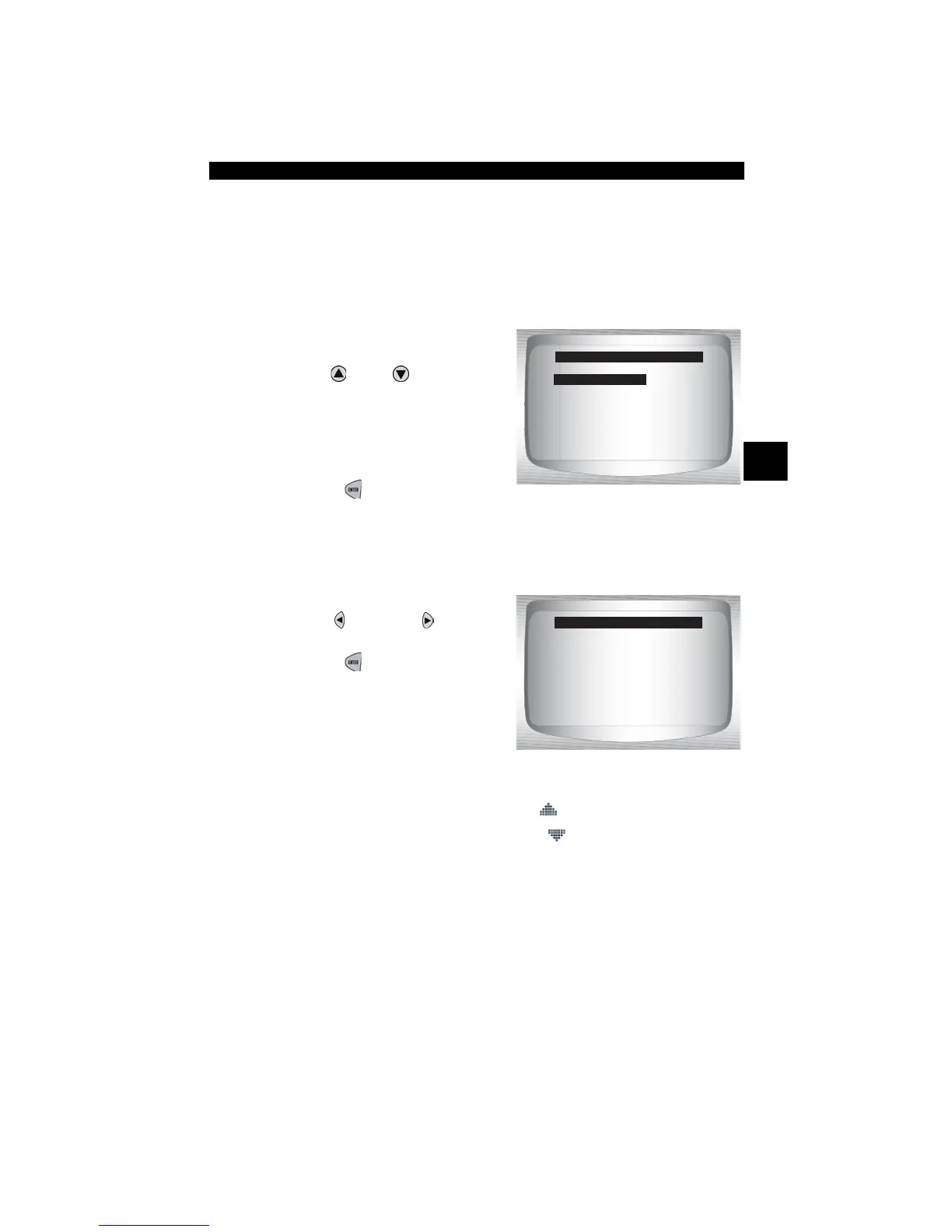
1.Select desired vehicle to
diagnose.
•Use
UP
or
DOWN
arrow
key to highlight.
❒ Global OBD II
❒ Domestic Vehicles
❒ European Vehicles
❒ Asian Vehicles
•Press
ENTER
.
✓ If vehicle displayed is not the vehicle being diagnosed select
CHANGE and go to step 3.
2.Confirm selection.
•Use
LEFT or RIGHT
arrow keys.
•Press
ENTER
.
✓ If keeping the selected vehicle select YES.
✓ If changing the selected vehicle select NO.
Select Vehicle
=====================
Global OBD II
Domestic Vehicles
European Vehicles
Asian Vehicles
YES NO
Enhanced DTC Found
=====================
2002 Corvette
S=5.7L
Ke ep This Vehicle?
[
[



 To Next Page