• • • • • • • • • • • • • • • • • • • • • • • • • • • • • • • • • • • • • • • • • • • • • • • • • • • • • • • • • 4 – 9
Vehicle Diagnostics
4
3. If Pending Codes are Present.
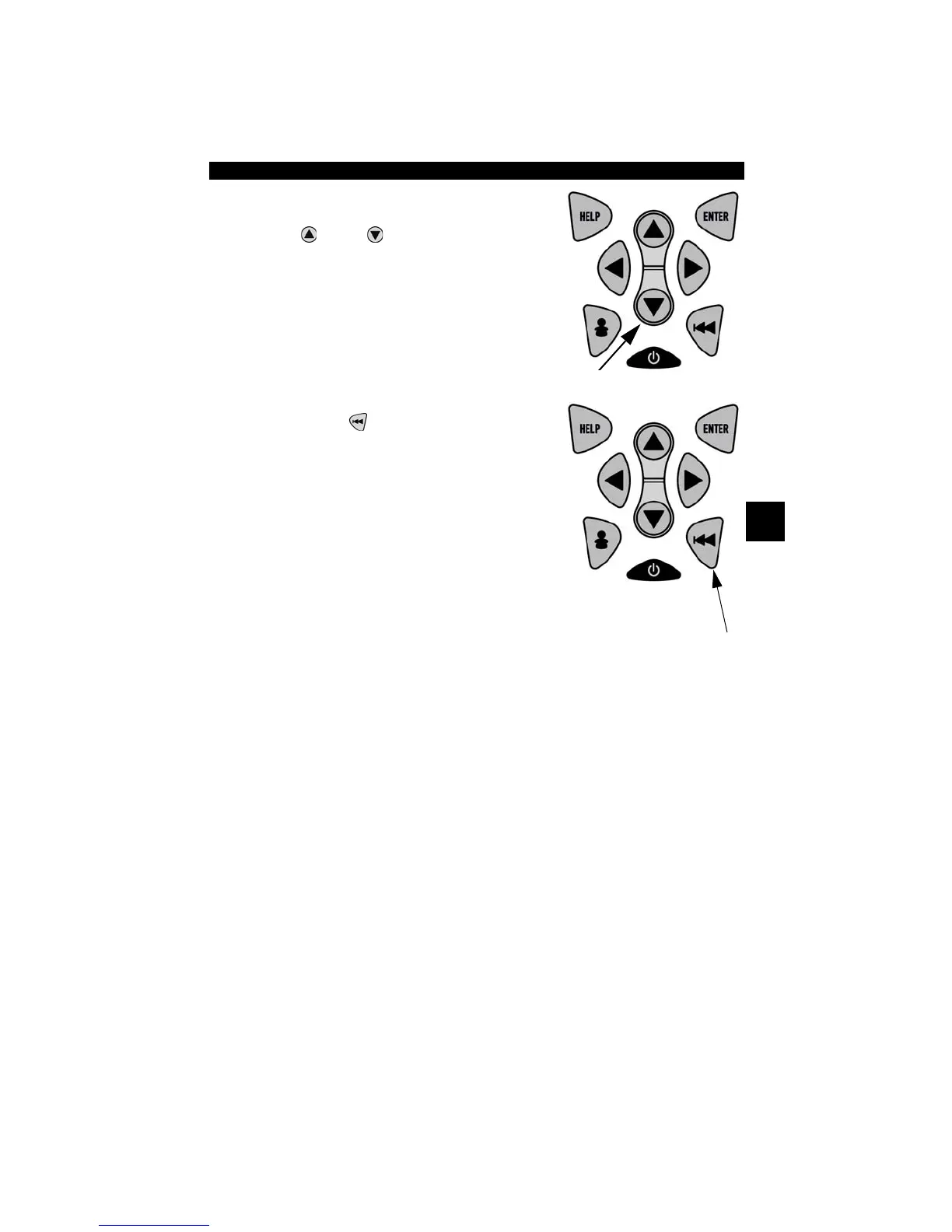
•View and write down codes using
UP
or
DOWN
arrow key.
✓ See “Read Codes” on page 4-6 for
details of how DTCs are shown.
4. Return to OBD II Function List.
• Press
BACK
.
Erase Codes
The Erase Codes function deletes DTCs and I/M Readiness data from
vehicle’s control module(s). Perform this function with KOEO. Do not
start the engine.
✓ The Erase Codes function may also erase View Freeze Data, O2
Monitor Test, and Diagnostic Monitor Test results depending on
vehicle.
✓ The Erase Codes function sets monitors to inc.



 To Next Page