Vehicle Diagnostics
4 – 10 • • • • • • • • • • • • • • • • • • • • • • • • • • • • • • • • • • • • • • • • • • • • • • • • • • • • • • • •
4
4
✓ Perform Erase Codes function only after systems have been
checked completely and DTCs have been written down.
✓ After servicing the vehicle, erase stored DTCs and verify no codes
have been reset. If a DTC returns, problem has not been fixed or other
faults are present.
✓ Depending on which monitor sets a code the vehicle may need to be
driven and the monitor run before concluding that the fault is repaired.
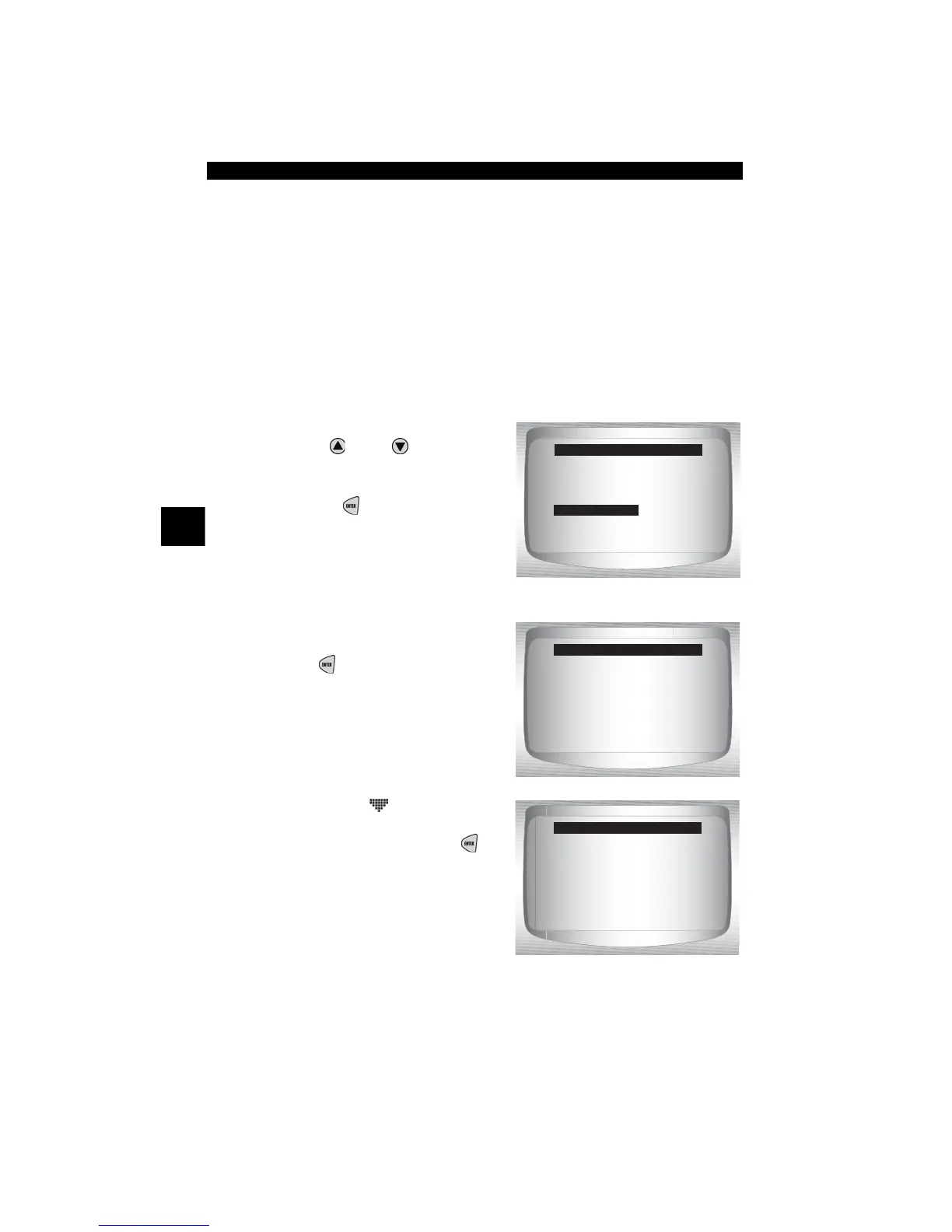
From OBD II Function List:
1. Select
Erase Codes.
•Use
UP
or
DOWN
arrow
key until Erase Codes is
highlighted.
•Press
ENTER
.
✓ If diagnostic results and codes are
not to be erased select No and
press
ENTER
.
•Selecting No displays a
Command Cancelled mes-
sage prompting to press
ENTER
to return to
OBD II Function List.
OBD II Function List
=====================
I/M Monitors
Read Codes
Pending Codes
Erase Codes
State OBD Check
View Data
YES NO
[
[
Erase Codes
=====================
Are you sure you
want to Erase
Diagnostic Results
and Codes?
Erase
=====================
Command Cancelled
Press ENTER
to Continue



 To Next Page