• • • • • • • • • • • • • • • • • • • • • • • • • • • • • • • • • • • • • • • • • • • • • • • • • • • • • • • • 4 – 11
Vehicle Diagnostics
4
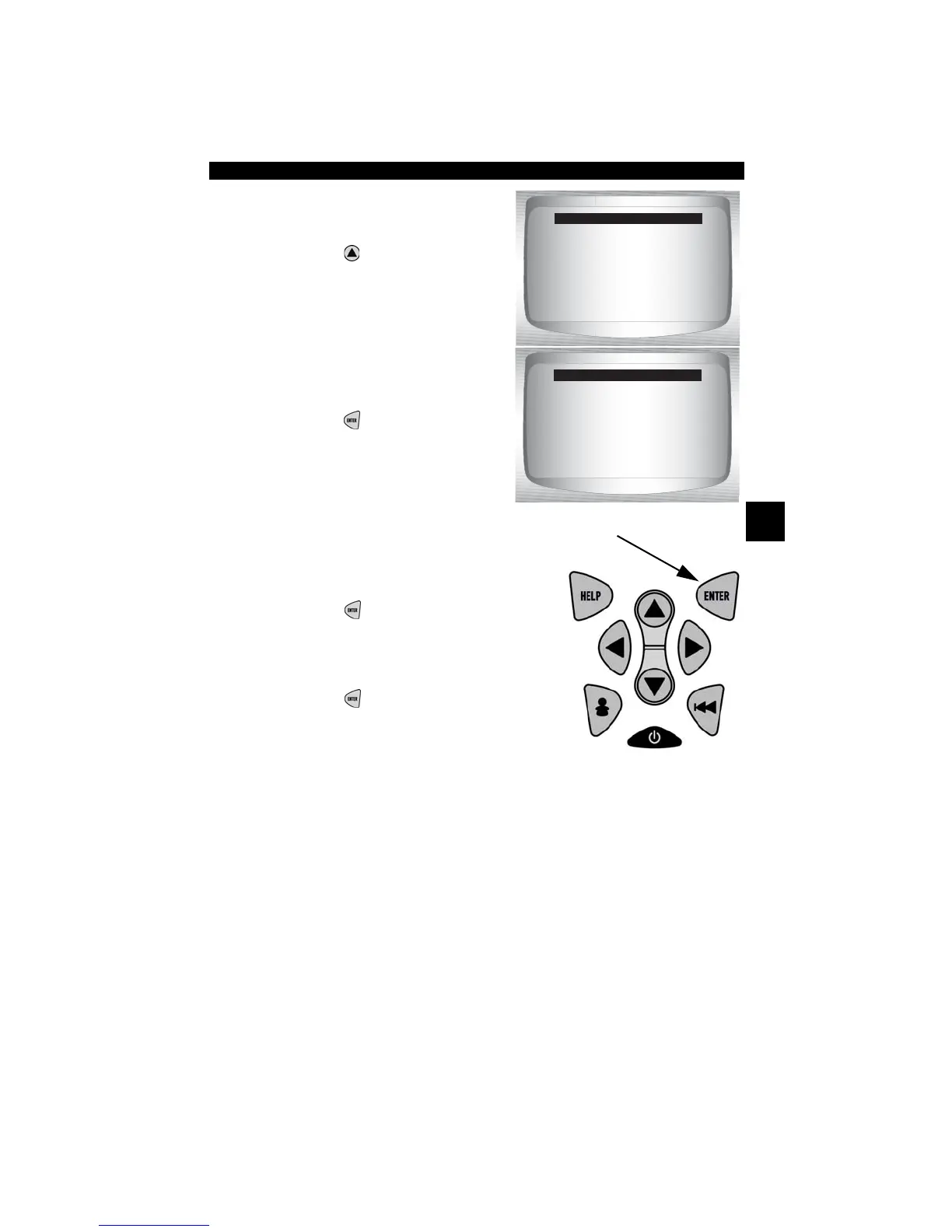
2. Select Yes to erase
diagnostic results and
codes.
•Press
UP
3. Prepare Vehicle.
•Turn key on.
•Leave engine off.
•Press
ENTER
.
✓ If engine is running, tool may
display this screen. Codes cannot
be erased until the engine is off,
key is on.
4. Observe Command Sent message
is displayed.
•Press
ENTER
.
5. Return to OBD II Function List.
•Press
ENTER
.
Erase Codes
=====================
Are you sure you
want to Erase
Diagnostic Results
and Codes?
YES NO
[
[
Erase
=====================
Engine is Running
Turn Engine Off
Turn Key On
Press ENTER
To Continue



 To Next Page