• • • • • • • • • • • • • • • • • • • • • • • • • • • • • • • • • • • • • • • • • • • • • • • • • • • • • • • • • 3 – 5
Using The Scan Tool
3
Vehicle Power
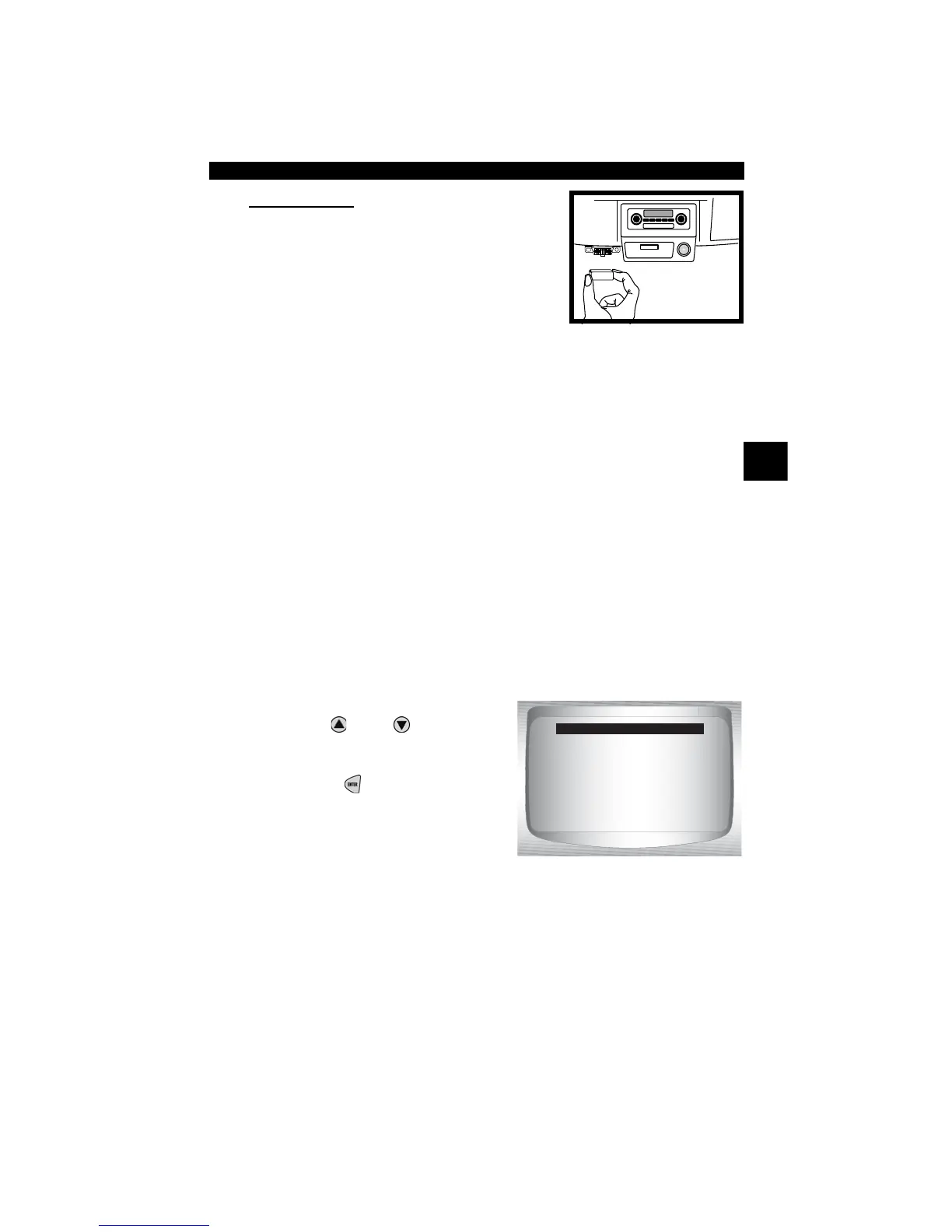
When using the OBD II Cable, the power to
the Scan Tool comes from the vehicle DLC.
✓ Scan Tool will automatically turn on when
connected to vehicle.
System Setup
✓ System Setup allows:
❒ Display contrast to be changed.
❒ Scan Tool information to be viewed.
❒ Display to be checked.
❒ Operation of the keypad to be checked.
❒ Memory of the tool to be checked.
❒ Scan Tool to be upgraded.
✓ System Setup settings remain until internal battery becomes
discharged or is removed.
From Main Menu:
1.Select System Setup.
•Use
UP
or
DOWN
arrow
key until System Setup is
highlighted.
•Press
ENTER
.
OBD II Function List
=====================
I/M Readiness
Read Codes
Pending Codes
Erase Codes
State OBD Check
View Data



 To Next Page