Vehicle Diagnostics
4 – 28 • • • • • • • • • • • • • • • • • • • • • • • • • • • • • • • • • • • • • • • • • • • • • • • • • • • • • • • •
4
4
3. Return to Select Diag Mon Test
Menu.
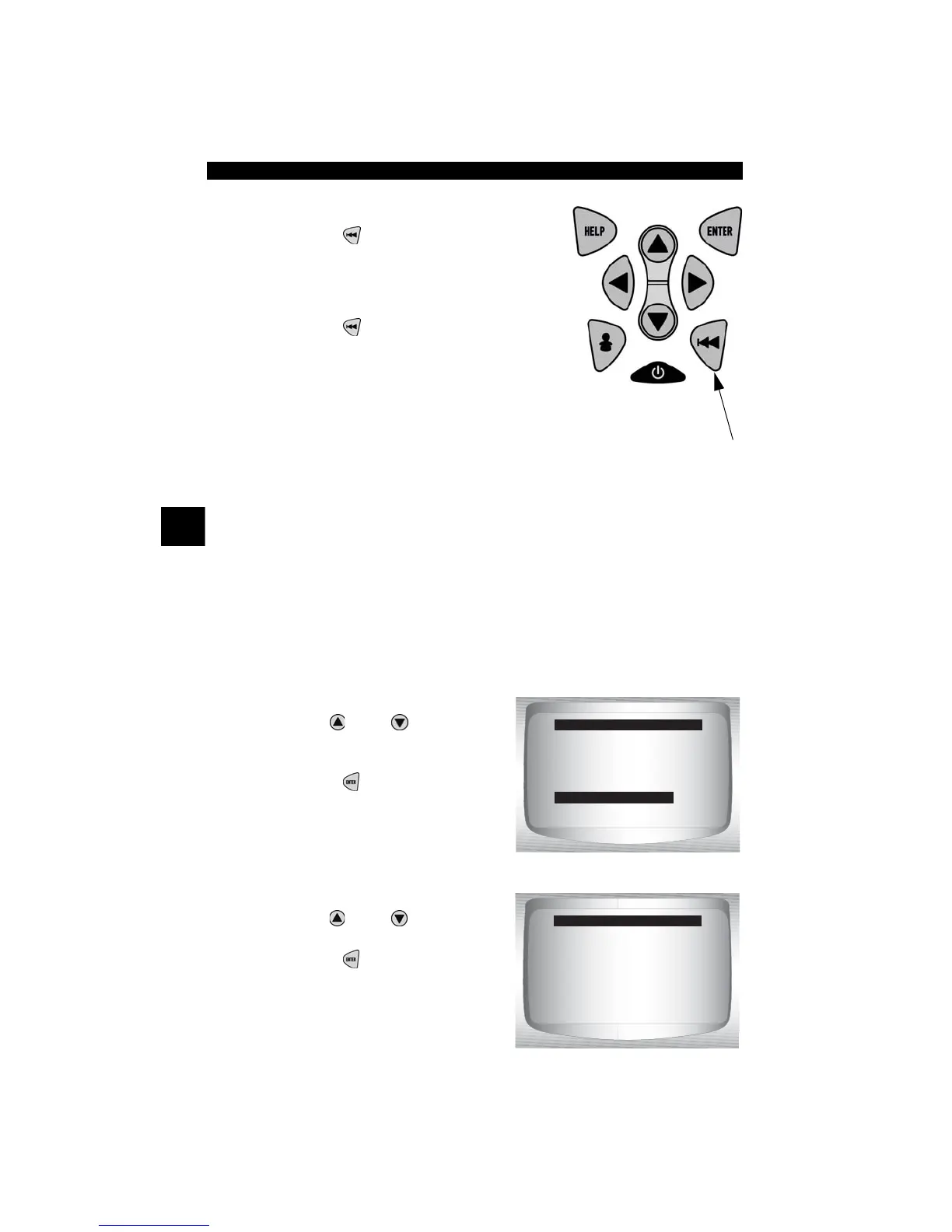
•Press
BACK
key.
4. Return to OBD II Function List.
•Press
BACK
key.
On-Board Systems
The On-Board Systems test allows the Scan Tool to control operation
of vehicle components, tests or systems.
✓ Some manufacturers do not allow tools to control vehicle systems. A
vehicle not supporting an on-board system is identified by a message
that is displayed when selected.
✓ Refer to the vehicle service manual for on-board systems instructions.
From the OBD II Function List:
1. Select
On-Board Systems.
•Use
UP
or
DOWN
arrow
key until On-Board Systems
is highlighted.
•Press
ENTER
.
✓ A list of on-board systems and
components available for testing are shown on the display.
2. Select Test.
•Use
UP
or
DOWN
arrow
key.
•Press
ENTER.
OBD II Function List
=====================
View Fre eze Data
Drive Cycle Monitor
O2 Monitor Test
Diag Monitor Test
On-Board Systems
Record Data
Vehicle Information
On Board Systems
=====================
Evap Leak Test



 To Next Page