Vehicle Diagnostics
4 – 6 • • • • • • • • • • • • • • • • • • • • • • • • • • • • • • • • • • • • • • • • • • • • • • • • • • • • • • • • •
4
4
Read Codes
✓ The Read Codes function allows the Scan Tool to read the DTCs from
the vehicle’s control modules. DTCs are used to help determine the
cause of a problem or problems with a vehicle. These codes cause the
control module to illuminate the malfunction indicator lamp (MIL)
when emission-related or driveability fault occurs. MIL is also known
as service engine soon or check engine lamp.
✓ Read Codes can be done with the key on engine off (KOEO) or with
the key on engine running (KOER).
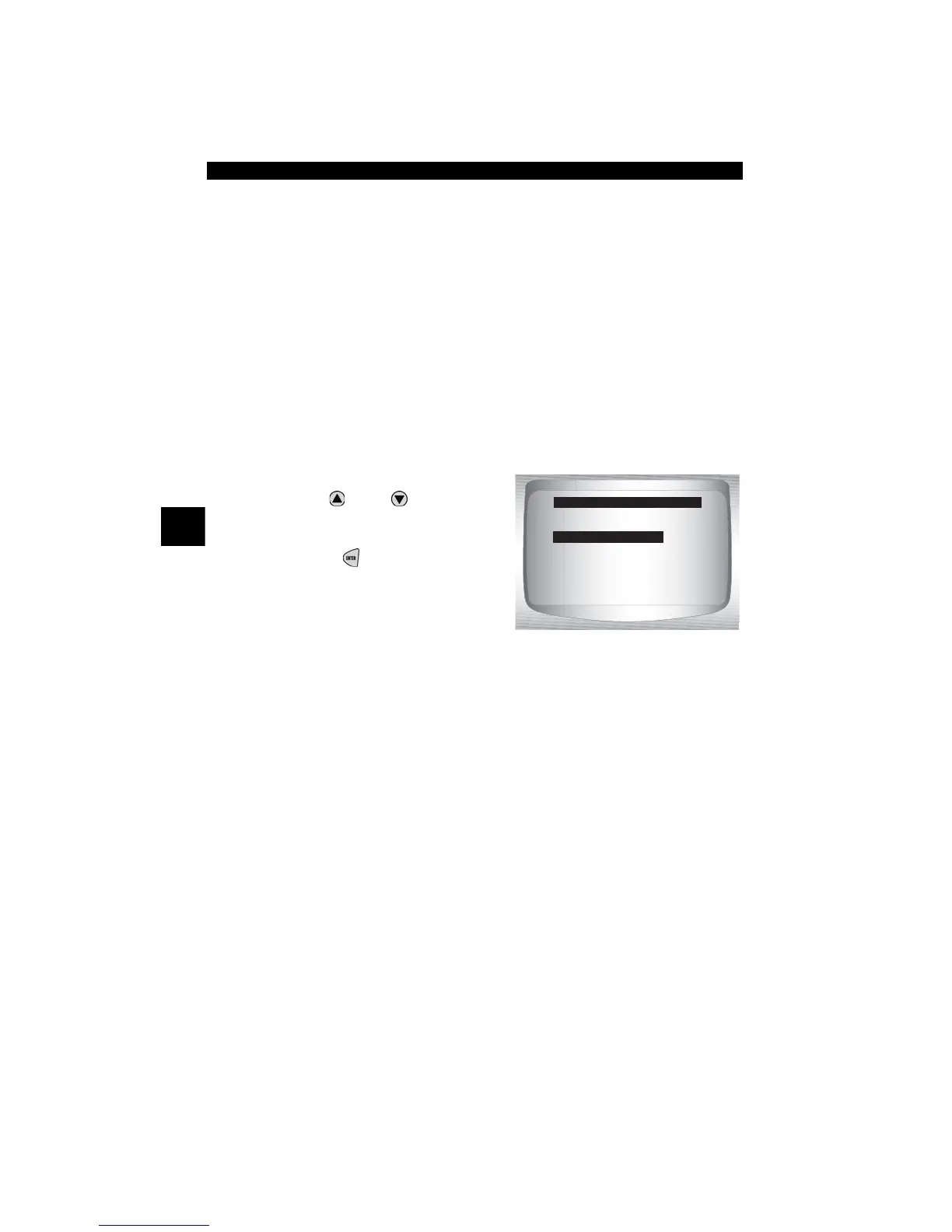
From OBD II Function List:
1. Select
Read Codes.
•Use
UP
or
DOWN
arrow
key until Read Codes is
highlighted.
•Press
ENTER
.
✓ If no DTCs are present a message stating System Pass: No Faults
Detected is displayed.
2. Select a vehicle
•See Vehicle Selection for details regarding this step.
✓ This step is available only if manufacturer’s specific enhanced DTCs
were read from the vehicle and a vehicle has not been selected since
the tool was powered up.
✓ Selecting a vehicle may provide the user with the manufacturer’s
definition for the manufacturer specific DTC(s) returned by the
vehicle.
OBD II Function List
=====================
I/M Readiness
Read Codes
Pending Codes
Erase Codes
State OBD Check
View Data



 To Next Page