• • • • • • • • • • • • • • • • • • • • • • • • • • • • • • • • • • • • • • • • • • • • • • • • • • • • • • • • • 5 – 1
8
Section 5 – Troubleshooting
How to Use On-Line Help
Scan tool contains On-Line Help for specific Scan Tool screens,
functions, and error messages.
✓ When icon (
?
) appears in the right column of the display, On-Line
Help is available.
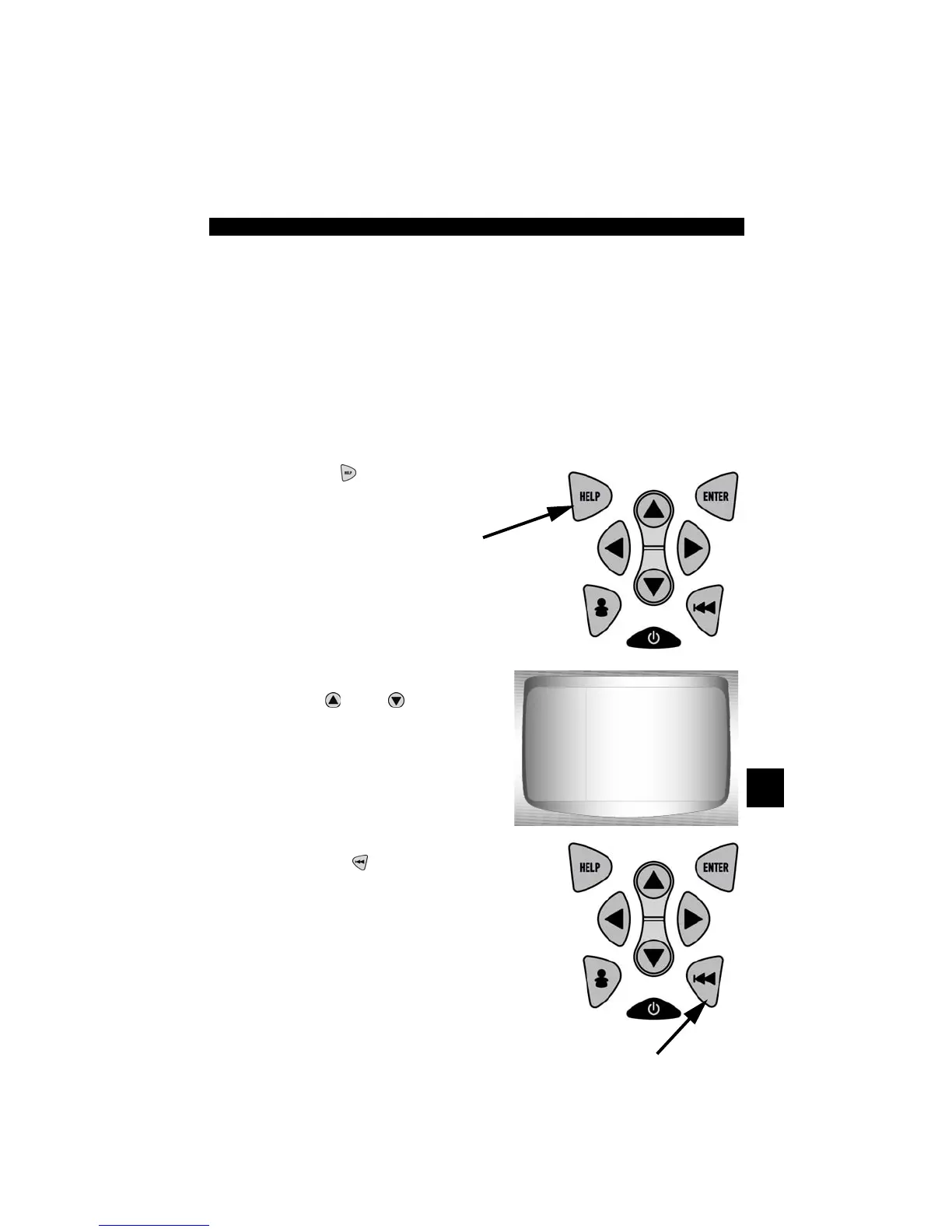
To Use On-Line Help:
1.Press
HELP
Key.
✓ Notice Text:
❒ Use
UP
or
DOWN
arrow
key if required.
2.Return to original screen.
• Press
BACK
key.
On bottom line of
display: Show
text "Above" scre en.
On bottom line of
display: Show
text "Below" scre en.



 To Next Page