Using The Scan Tool
3 – 4 • • • • • • • • • • • • • • • • • • • • • • • • • • • • • • • • • • • • • • • • • • • • • • • • • • • • • • • •
3
Scan Tool Power UP
✓ Refer to Scan Tool Does Not Power Up in section 5
Troubleshooting on page 5-2 if there are problems.
Internal Battery
✓
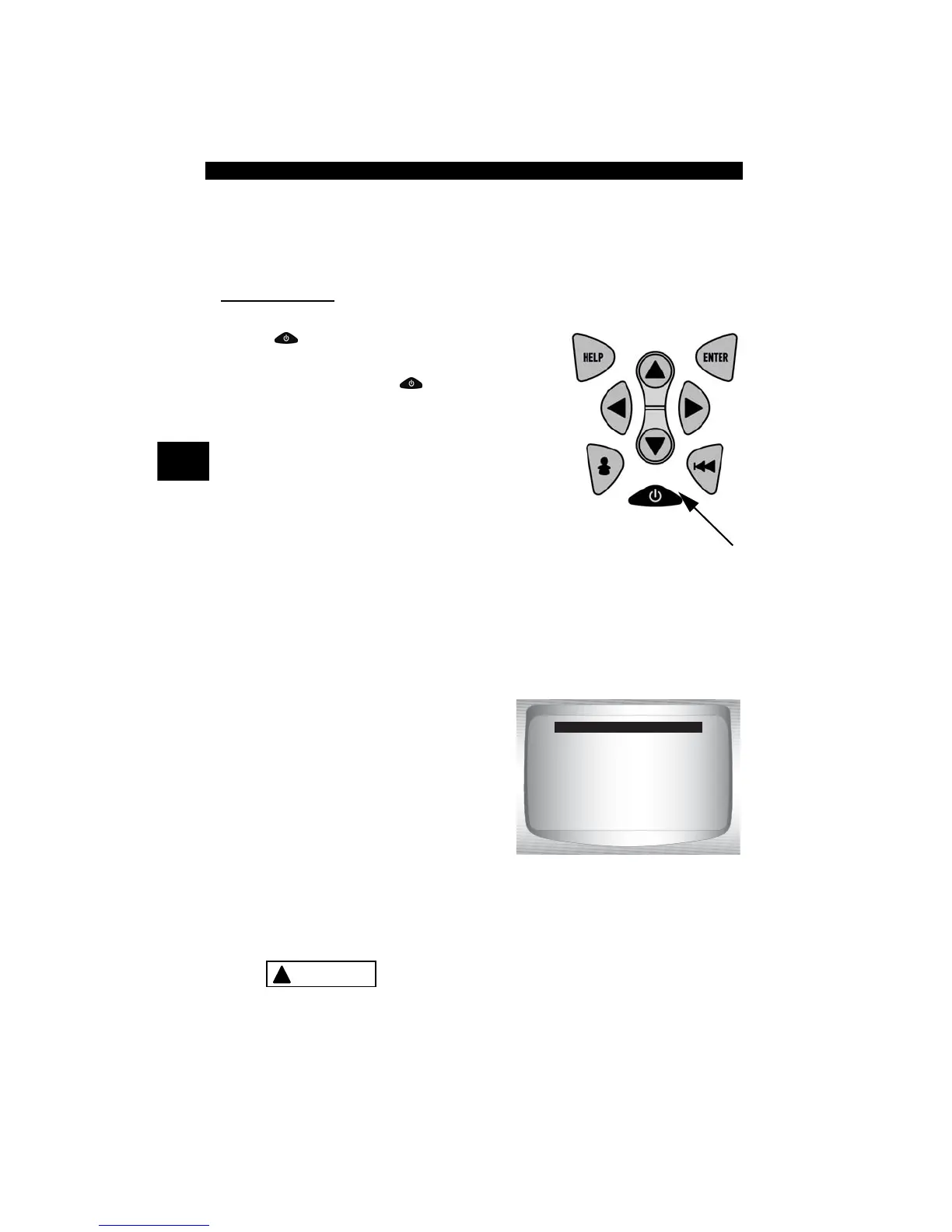
ON/OFF
button on Scan Tool turns tool
on and off.
❒ Press and hold
ON/OFF
key for at
least 1 second to turn on Scan Tool.
✓ The Scan Tool will automatically turn off after 1.5 minutes of
inactivity when powered from internal 9V Battery.
✓ When powered from the internal battery, the Scan Tool disables
the display’s backlighting and turns OFF after a period of inactivity.
✓ Each time the Scan Tool is
powered up, voltage of the internal
battery is checked.
❒ If voltage is low, the Low
Battery Symbol ( ) displays
on screen.
❒ Replace the battery using
instructions provided in Battery
Replacement.
If the Scan Tool will not be used for an extended
period of time, remove the battery to prevent battery
leakage from damaging the battery compartment.
OBD II Function List
=====================
I/M Readiness
Read Codes
Pending Codes
Erase Codes
State OBD Check
View Data
!
CAUTION



 To Next Page