• • • • • • • • • • • • • • • • • • • • • • • • • • • • • • • • • • • • • • • • • • • • • • • • • • • • • • • • 4 – 29
Vehicle Diagnostics
4
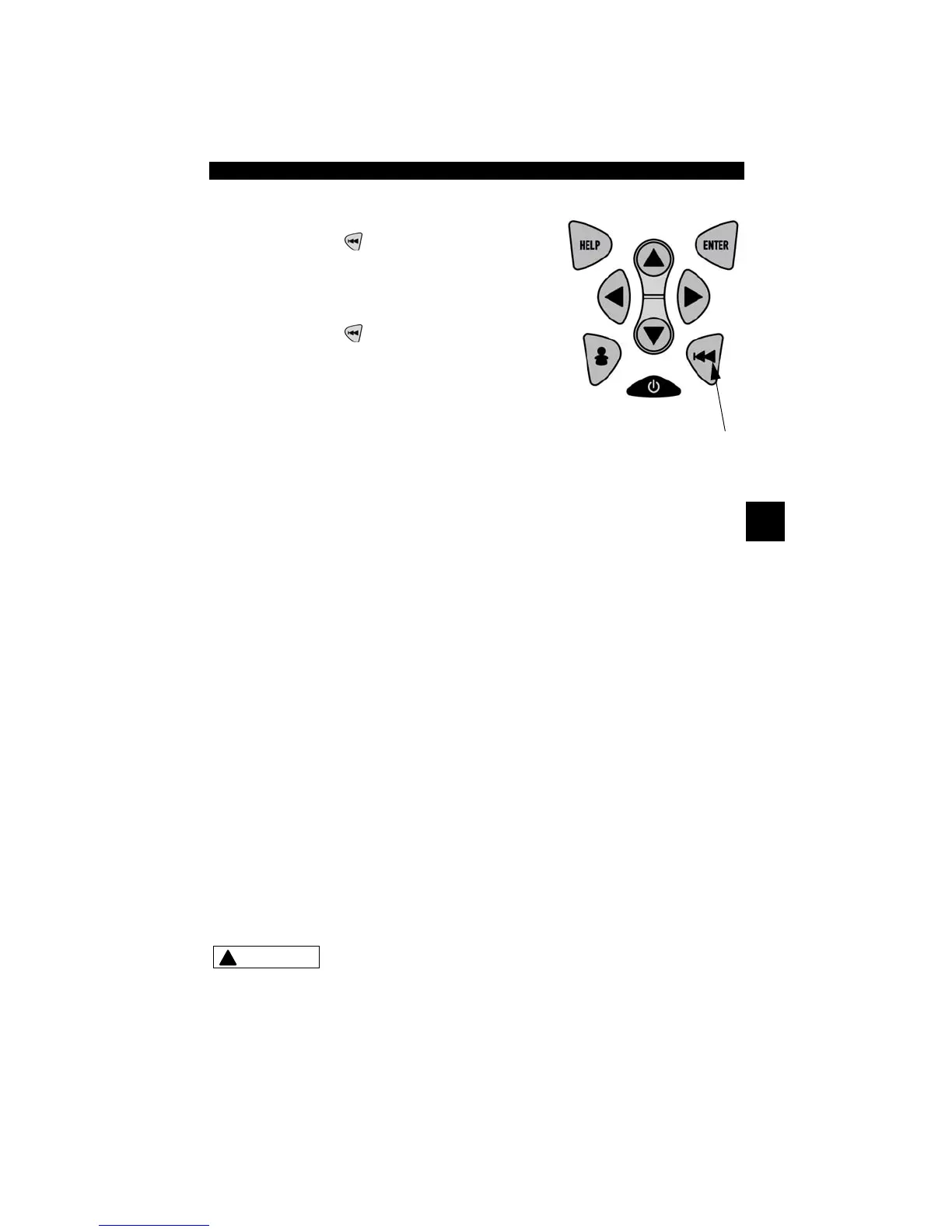
3. Return to On-Board Systems menu.
•Press
BACK
key.
4. Return to OBD II Function List.
•Press
BACK
key.
✓ The manufacturer is responsible for determining the criteria to
automatically stop test. Refer to appropriate vehicle service manual.
Record Data
✓ The Record Data function records PIDs while vehicle is parked or
being driven.
✓ The Record Data function is mainly used for diagnosing intermittent
driveability problems that cannot be isolated by any other method.
✓ The recording time varies. A recording consists of frames of data prior
to the trigger and several frames after the trigger.
✓ Some vehicles wait a long period of time to store a trouble code after
a driveability problem occurs. If the operator selected Trigger On
Codes when making a recording, the operator might not see any
drastic change in the data parameters before and after trigger point.
Two people must be in vehicle when driving. One to
drive and the other to operate the Scan Tool.
!
CAUTION



 To Next Page