Using The Scan Tool
3 – 16 • • • • • • • • • • • • • • • • • • • • • • • • • • • • • • • • • • • • • • • • • • • • • • • • • • • • • • •
3
Playback
The Playback function is used to playback a recording.
✓ This function is very similar to View Data. The only difference is that
View Data is real time viewing of PIDs, while Playback is a viewing
of previously recorded PIDs.
From the Review Data menu:
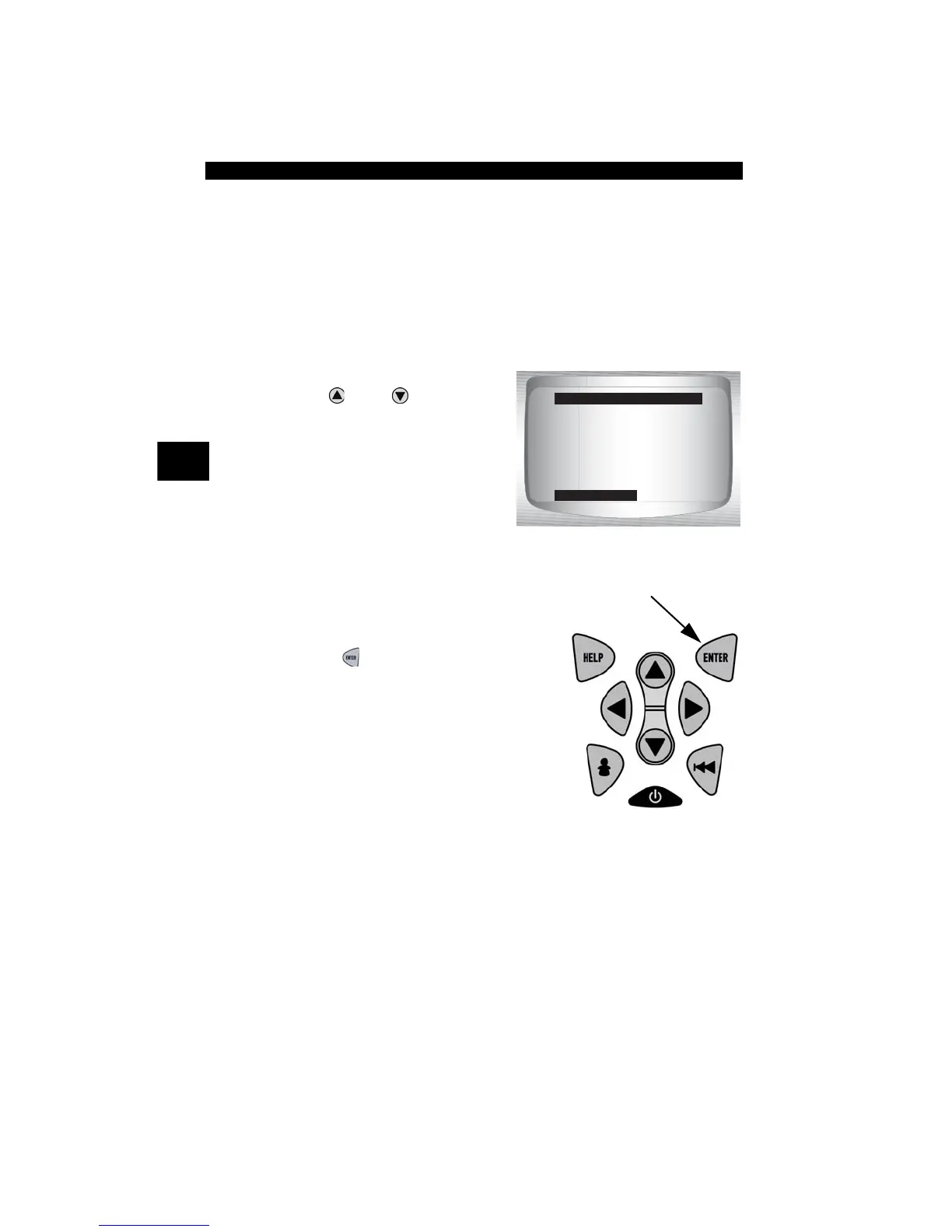
1.Select Playback.
•Use
UP
or
DOWN
arrow
key until Playback is
highlighted.
✓ Scan Tool displays a NO
RECORDING PRESENT
message if recording does not
exist.
2. Play Back Recording.
•Press
ENTER
.
REVIEW MENU
=====================
I/M Monitors
Codes
Pending Codes
State OBD Check
Review Fre eze Data
O2 Monitor Tests
Playback



 To Next Page