• • • • • • • • • • • • • • • • • • • • • • • • • • • • • • • • • • • • • • • • • • • • • • • • • • • • • • • • 3 – 17
Using The Scan Tool
3
✓ The Playback has frame number
and timestamp (in seconds).
❒ Negative frames and
timestamps indicate data
recorded before trigger event.
❒ Positive frames and
timestamps indicate data
recorded after trigger event.
❒ Use
UP
or
DOWN
arrow
keys to view recorded PID data of each frame.
❒ Use LEFT or RIGHT arrow keys to scroll back and forth
through frames.
✓ Different vehicles communicate at different speeds and support a
different number of PIDs. Therefore, the maximum number of frames
that can be recorded varies.
✓ Some vehicles wait a long period of time to store a DTC after a
driveability problem occurs. If the operator selected Trigger On Codes
when making a recording, the operator might not see any drastic
change in data parameters before and after trigger point.
3.Return to Review Data menu.
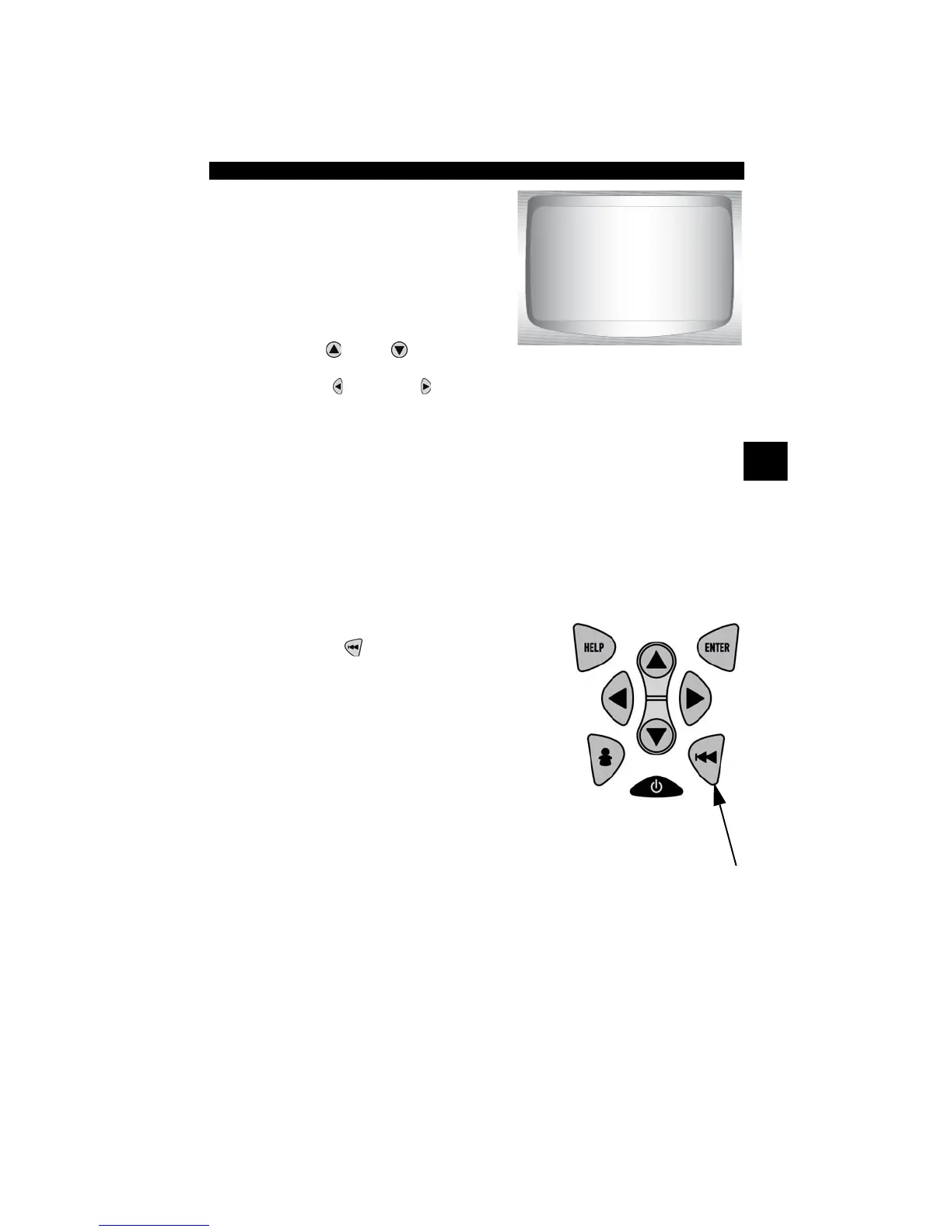
•Press
BACK
.
ENGINE (RPM)
CALC LOAD (%)
MAP (KPA)
COOLANT (F)
LT FTRM1 (%)
ST FTRM1 (%)
VEH SPEED (MPH)
FRAME: 1 TM:
0
0.0
.5
190
0.0
0.0
4
0.5



 To Next Page