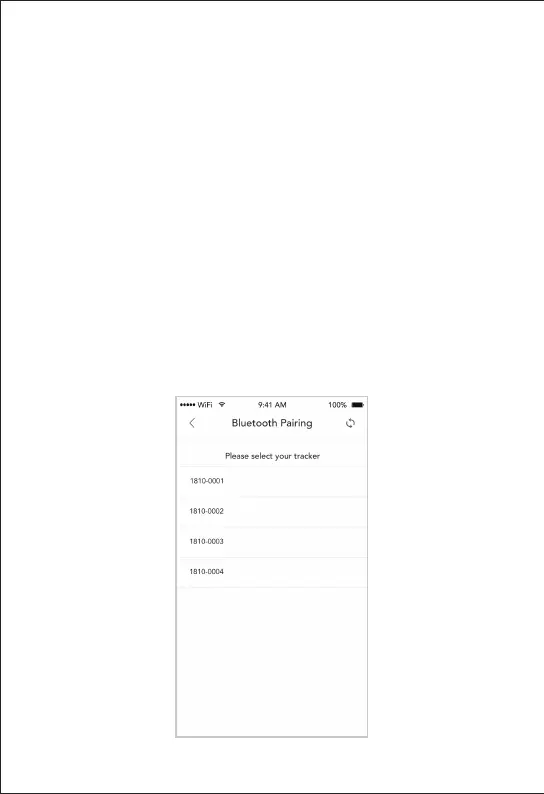
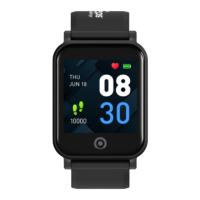
A pop-up display containing the nearby tracker
BFNs will be shown. Ensure that the Bluetooth
®
connection on your smartphone is on and the
new device is placed next to your smartphone.
Tap on the BFN that matches your device to
initiate pairing. Your device’s BFN can be found
on the second last screen of your device.
5.2 - Pairing A Replacement
Activity Tracker With
Healthy 365 App


 To Next Page