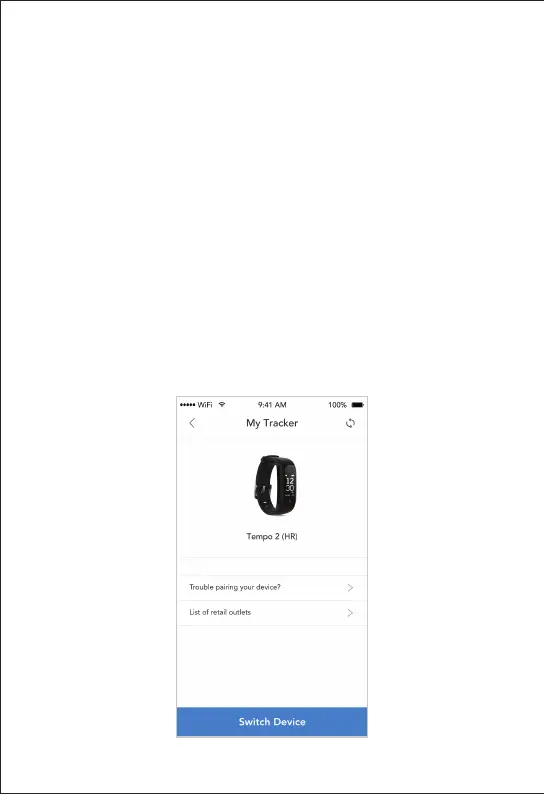
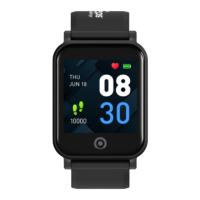
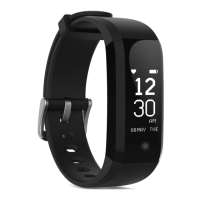
To replace your Tempo 2 HR activity tracker with
a new one, do the following to pair the new
activity tracker with your Healthy 365 app:
Select ‘Apps’ on the menu bar and tap on
the ‘Change Tracker’ button located under
‘Tempo 2 (HR)’
5.1 - Pairing A Replacement
Activity Tracker With
Healthy 365 App


 To Next Page