8
Functions
– Hole patterns (DRO203, DRO300)
– Programming of machining steps (DRO300)
Automatic calculation of bolt hole
patterns for milling and drilling
In milling machine mode, you can machine
circular hole patterns (full circle or circle
segments) and linear hole patterns without
much calculation.
You simply enter the geometric dimensions
and the number of holes from the drawing.
The display calculates the coordinates of the
individual holes in the working plane. You
only need to traverse “to zero” and drill. The
display then shows the next position. The
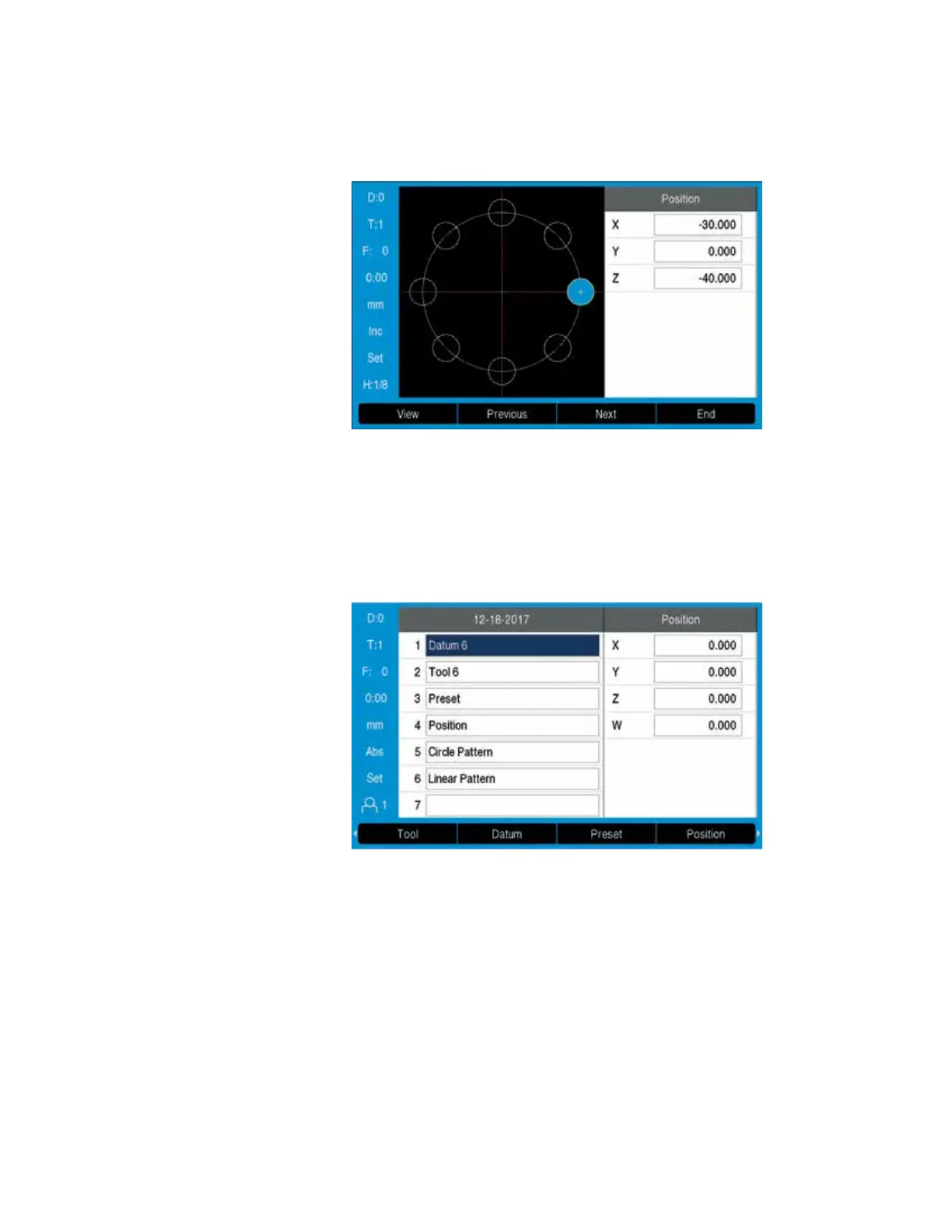
graphic display is a particularly useful
feature: it lets you verify your input for the
programmed bolt-hole pattern before
machining.
Programming machining steps
The programming functions of the DRO300
allow you to save repetitive machining steps.
For example, you can save all of the
machining steps required for a small batch in
the form of a program. In the RUN mode of
operation, the distance-to-go display will
guide you step-by-step to the programmed
positions.
You create programs by typing in the
positions step by step. The xed cycles such
as Bolt Hole Circle, Linear Hole Pattern,
Incline Mill Form or Circular Arc keep your
programs short and save you programming
time. In the course of your work, the readout
presents each nominal position in the proper
sequence. You need only move from one
position to the next.


 To Next Page
 Loading...