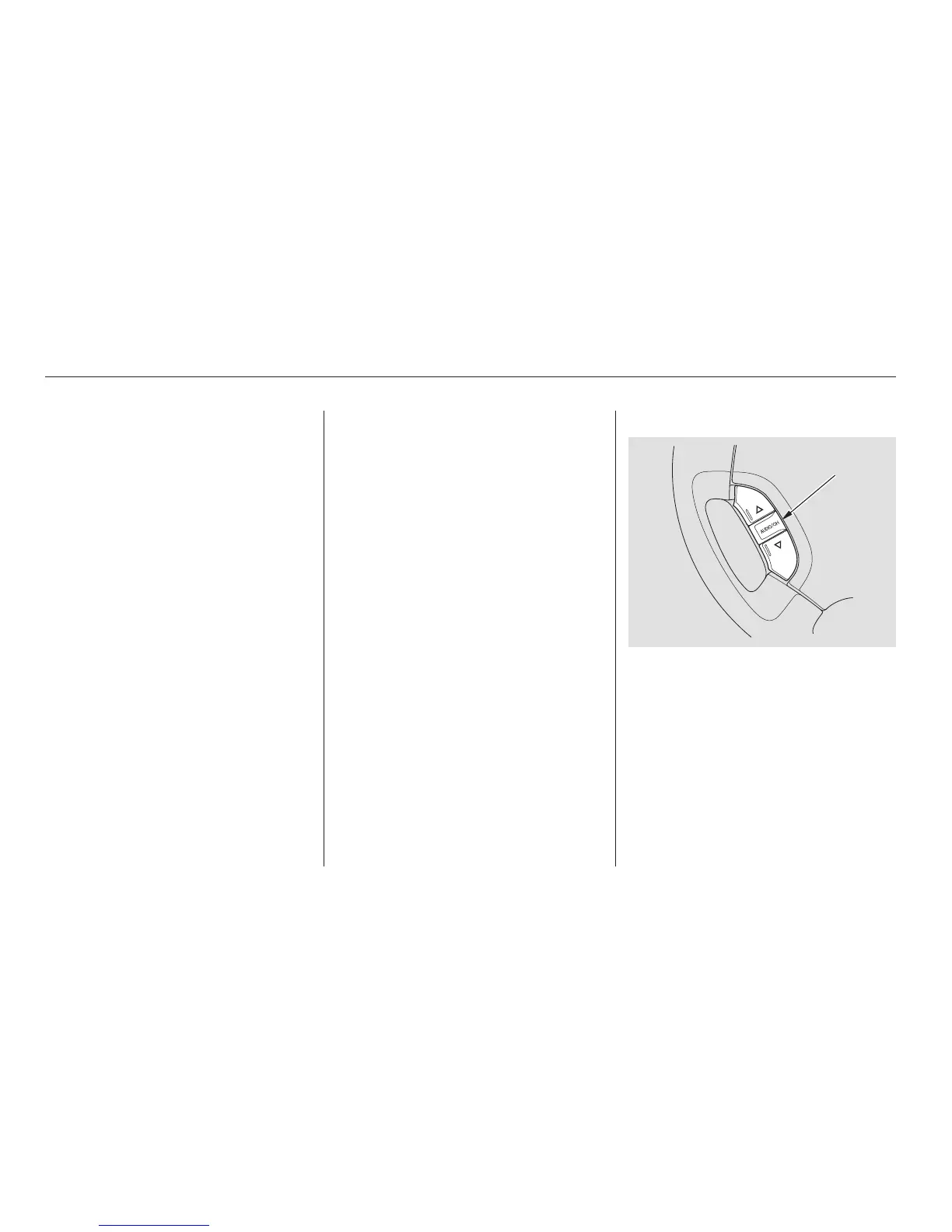
Two controls for the audio system
are mounted in the steering wheel
hub. These let you control basic
functions without removing your
hand from the wheel.
If you decide to purchase XM
Satellite Radio service, contact XM
Radio at www.xmradio.com, or at
1-800-852-9696. You will need to give
them your radio I.D. number and
your credit card number. To get your
radio I.D. number, turn the TUNE
knob until ‘‘0’’ appears in the display.
Your I.D. will appear in the display.
After you’ve registered with XM
Radio, keep your audio system in the
SAT Radio mode while you await
activation. This should take about 30
minutes.
While awaiting activation, make sure
your vehicle remains in an open area
with good reception. Once your
audio system is activated, ‘‘category’’
or ‘‘CH’’ will appear in the display
andyou’llbeabletolistentoXM
Radio broadcasts. XM Radio will
continue to send an activation signal
to your vehicle for at least 12 hours
from activation request. If the
service has not been activated after
36 hours, contact XM Radio.
Audio System
Comfort and Convenience Features
Remote Audio Controls
178
AUDIO/CH
BUTTON



 To Next Page
 Loading...