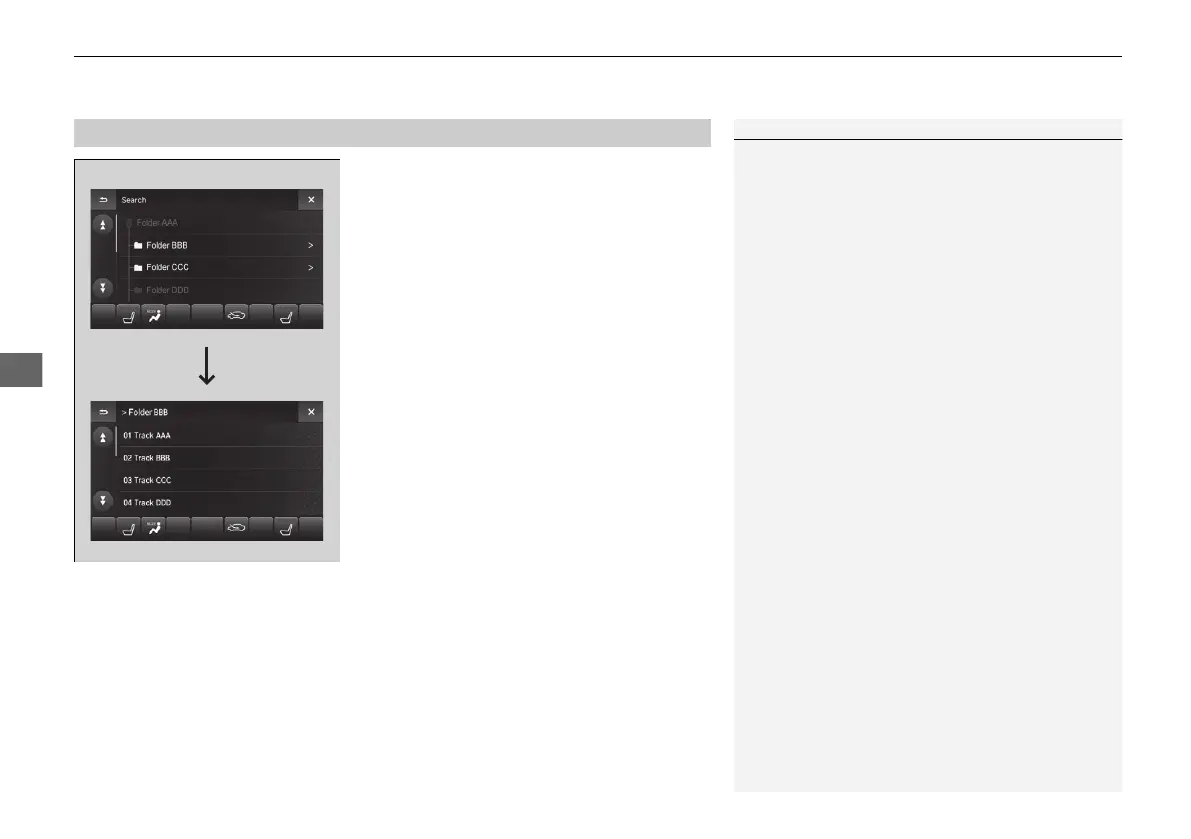
1. Select Search.
2. Select a folder.
3. Select a file.
1Playing a USB Flash Drive
Use the recommended USB flash drives.
2 General Information on the Audio System
P. 316
Files in WMA/AAC format protected by digital rights
management (DRM) are not played.
The audio system skips to the next file.
If there is a problem, you may see an error message
on the On Demand Multi-Use Display
TM
.
2 iPod/USB Flash Drive P. 310



 To Next Page
 Loading...