85
uuMap OperationuTraffic Information
Continued
Traffic Information
When you set the traffic feature, the system examines traffic conditions and
optimizes the route for the shortest time. If a severe traffic delay occurs while you
are navigating, the system searches for a faster route. If it finds one, the system will
prompt you and you can choose to accept the new route.
The traffic icon changes color to indicate the severity of traffic conditions on your
route or on the road you are currently traveling. The system may route you through
a traffic delay if a better alternative route does not exist. The delay time is added into
your estimated time of arrival automatically.
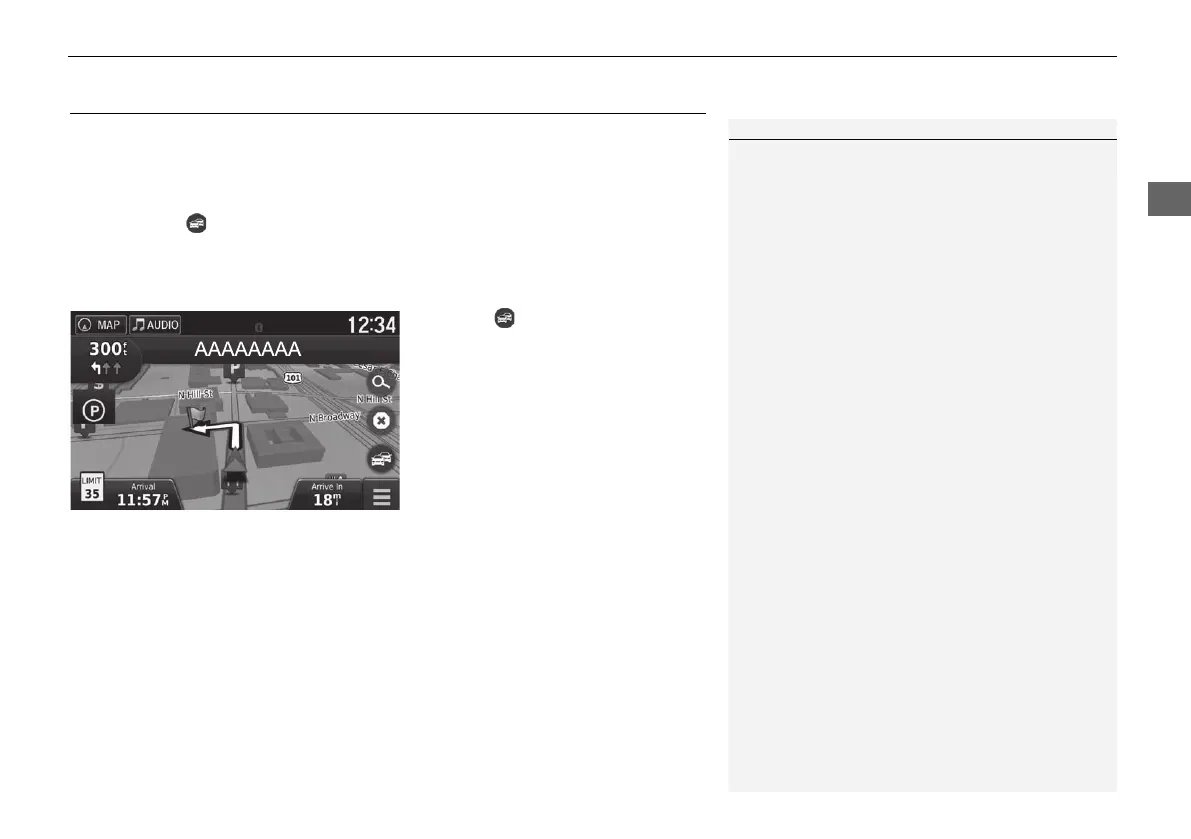
1. Select on the map screen.
1 Traffic Information
You can change the traffic information settings.
2 Traffic P. 45
The traffic icon changes color to indicate the severity
of traffic conditions.
• Green: Flowing freely.
• Yellow: Moderate traffic condition.
• Red: Very slow or stop-and-go traffic.
• Gray: No traffic data.
18 ACURA NSX NAVI-31T6N8100.book 85 ページ 2017年10月24日 火曜日 午後2時46分



 To Next Page