93
Changing Your Destination
Selecting a Destination on the Map
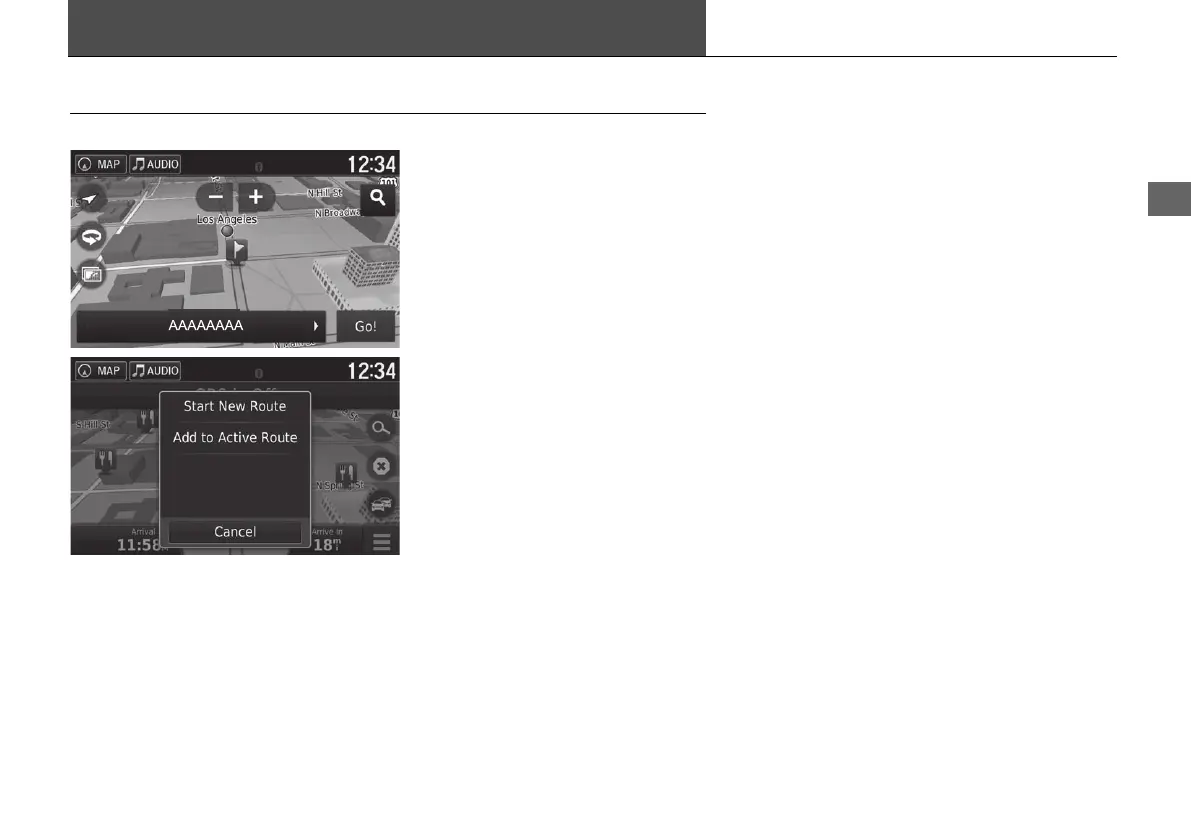
Select a new destination when en route by selecting a location on the map.
1. Select any point on the map, or a
street, intersection, or category
icon.
2. Select Go!.
3. Select an option.
The following options are available:
• Start New Route: Sets the location as your new destination.
• Add to Active Route: Sets the location as the first waypoint in the Edit Route
screen.
2 Adding Waypoints P. 92
18 ACURA NSX NAVI-31T6N8100.book 93 ページ 2017年10月24日 火曜日 午後2時46分



 To Next Page