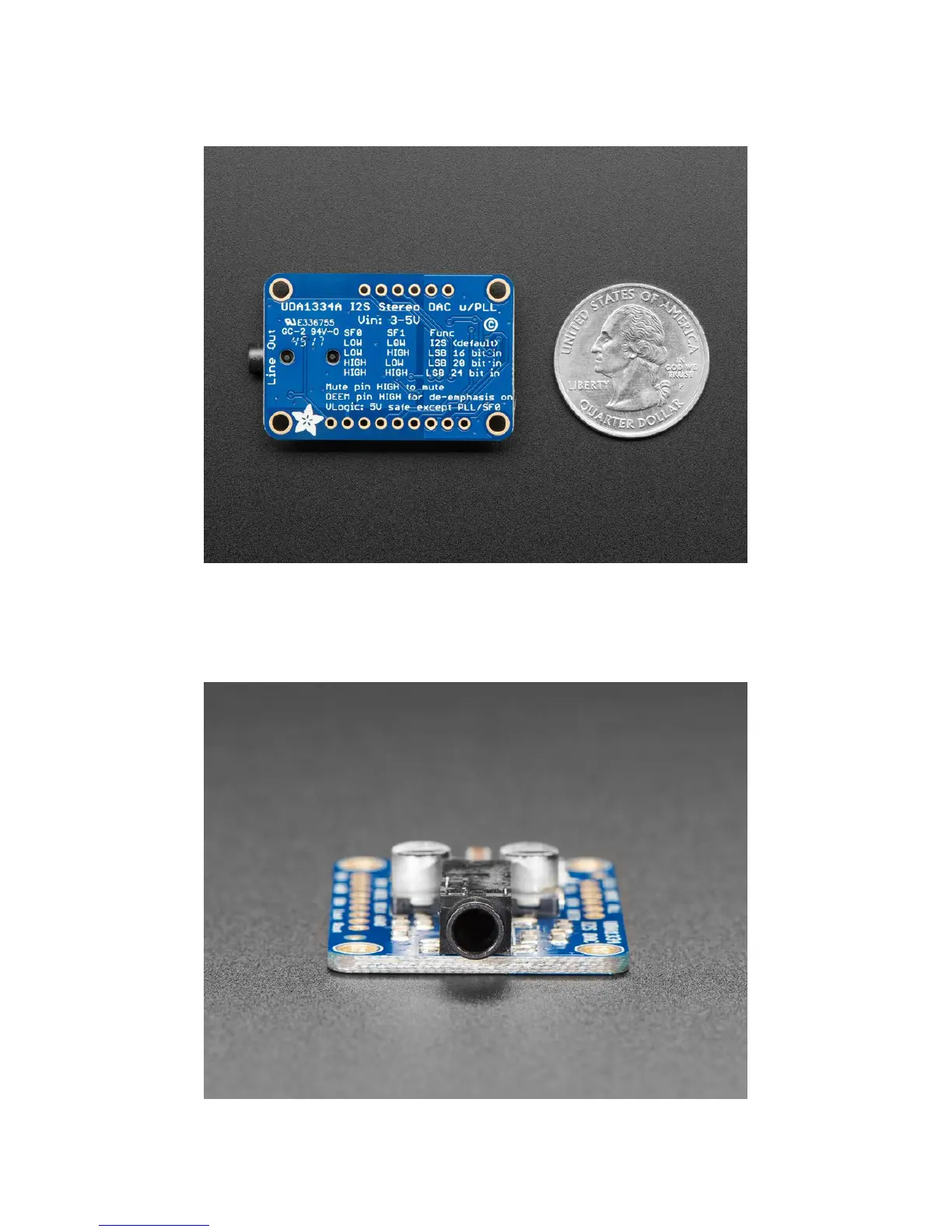
For inputs, you can use classic I2S (the default) or 16-bit, 20-bit or 24-bit left justified data. You can set it up to take an
input system/master clock but we default-set it to just generate it for you, so you only need to connect Data In, Word
Select (Left/Right Clock) and Bit Clock lines. If you want, there's a mute pin and a de-emphasis filter you can turn on.
We put in plenty of ferrite beads, a low-dropout regulator, and the recommended band-pass filter so you get a very
nice clean output. With a sine-wave generator we swept through 20-20KHz and saw no attenuation or distortion. Plug
into either the 3.5mm stereo headphone jack or the breadboard-friendly pads. We think you'll be pleased with this
DAC!


 To Next Page