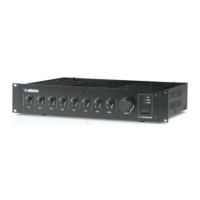
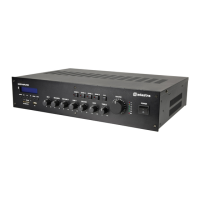
Need help?
Do you have a question about the Adastra MM321 and is the answer not in the manual?
Explains symbols used for warnings and instructions within the manual.
Covers notices, warnings, placement, and cleaning advice for safe operation.
Lists and describes all front panel controls and indicators.
Lists and describes all input and output connections on the rear panel.
Guides on connecting microphones, line sources, and outputs.
Steps for powering on the unit and setting initial audio levels.
Guidance on using EQ, volume controls, and override functions.
How to pair and use Bluetooth for audio playback.
How to tune, preset, and play FM radio stations.
Details on playing audio files from a USB drive.
How to connect and use external devices via the AUX input.
Lists key technical parameters like power, inputs, outputs, and dimensions.
 General
| Brand | Adastra |
|---|---|
| Model | MM321 |
| Category | Music Mixer |
| Language | English |

 To Next Page