44
SECTION VII
MANUAL RESET BURNER HI-LIMIT INSTRUCTIONS
A. PHASE 7
This dryer was manufactured with a manual reset burner hi-limit thermostat, which is monitored by the Phase 7
computer. If the burner hi-limit is open prior to the start of the drying cycle, the dryer will start momentarily and
then shut down, the Phase 7 computer will display “BURNER HIGH LIMIT FAULT” with an audio indication.
If the burner hi-limit opens during a drying cycle, the Phase 7 computer will also display the same error code
described above, along with an audio indication. If the drum temperature is above 100° F (38° C), the dryer will
continue to run with no heat for 3 minutes or until the drum temperature has dropped below 100° F (38° C). The
clear/stop button on the Phase 7 keypad must be pressed to clear the error condition. The open burner hi-limit
must be reset “manually” prior to the start of the next cycle.
B. DUAL TIMER
This dryer was manufactured with a manual reset burner hi-limit thermostat. If the burner hi-limit is open prior to
the start of the drying cycle, or during the cycle, the dryer will not recognize the open state of the burner hi-limit
and will start or continue through the drying cycle with no heat. Manual reset hi-limit must be reset manually.
This hi-temperature condition may be caused due to a restricted exhaust, poor airflow, or improper burner
operation.
The location of the burner hi-limit is on the right side of the burner box, looking at the burner from the back of the
dryer.
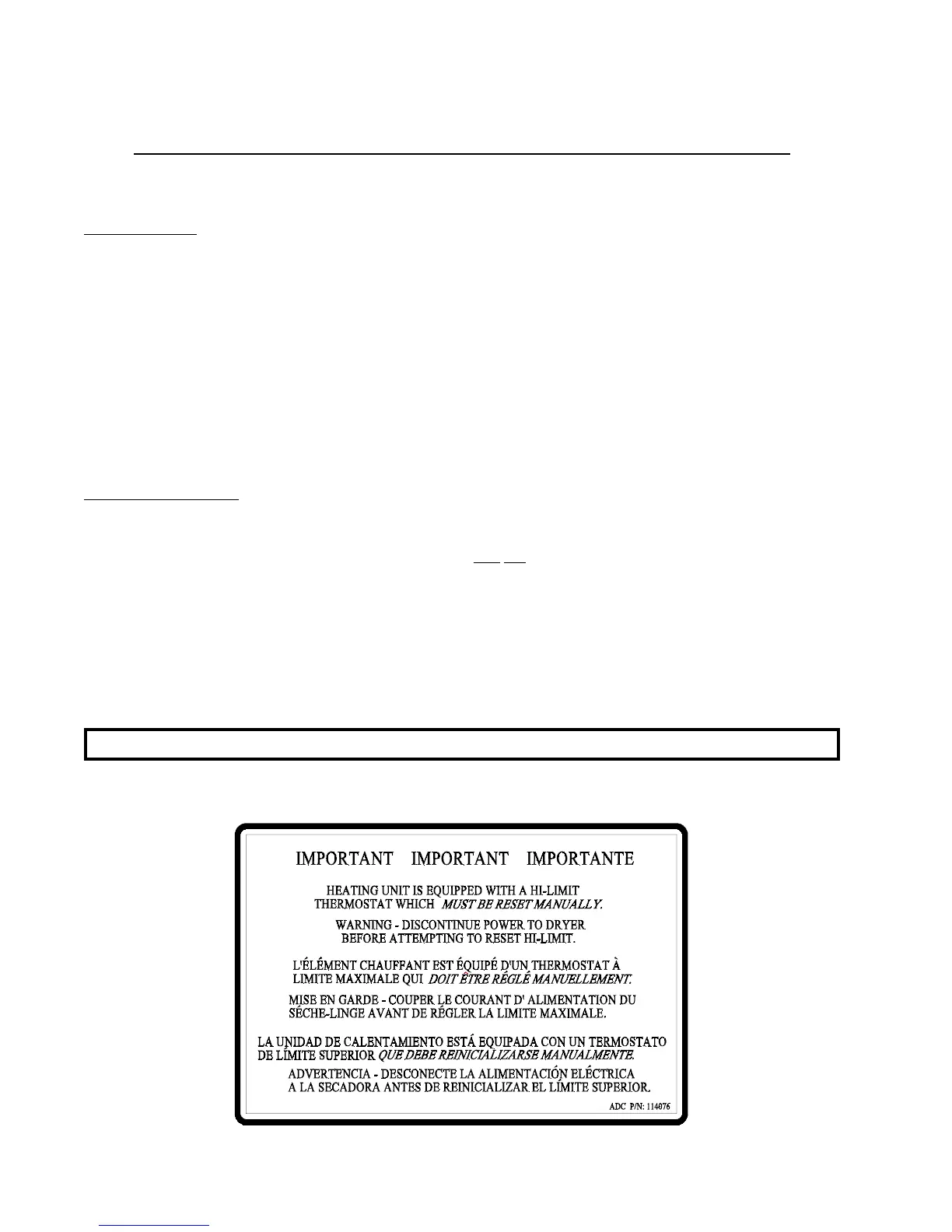
WARNING: Discontinue power to dryer before attempting to reset hi-limit.



 To Next Page