4. Using the Thermometer
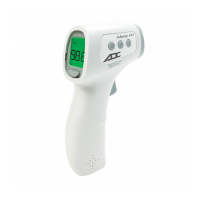
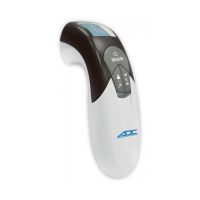
4a. Controls and Features
4b. LED Screen/Display
4c.Selecting a Scan Mode
With the power on, press the Human/Object button to switch between scan
modes. There are 4 modes available, including Human, Object, Human/Night,
and Object/Night mode (in order). The thermometer’s volume will be muted in
both Human/Night mode as well as Object/Night mode, and the Moon symbol
will appear on the LCD in both Night modes.


 To Next Page