12
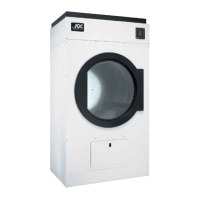
2. If more headroom is needed when moving the dryer into position, the top console (module) may be removed.
a. To Remove Top Console (module)...
1) Disconnect the ground wire (A in the illustration below) located at the rear upper left corner of the
dryer.
2) Remove the eight (8) sets of nuts and washers (B in the illustration below) holding the console
(module) to the base.
3) Disconnect the white plug (C in the illustration below) connector located on the top of the rear electric
service/relay box (provides power to the heat circuit).
4) Disconnect air connection from the 3-way micro valve.
5) Lift the console (module) off of the dryer base.
IMPORTANT: The dryer must be transported and handled in an upright position at all times.



 To Next Page