EasyManua.ls Logo

Adcom GFA-7400 - Connection Diagram and Setup; Amplifier Connection Layout; Understanding Channel Designations

Adcom GFA-7400
19 pages
To Next Page IconTo Next Page
To Previous Page IconTo Previous Page
Loading...
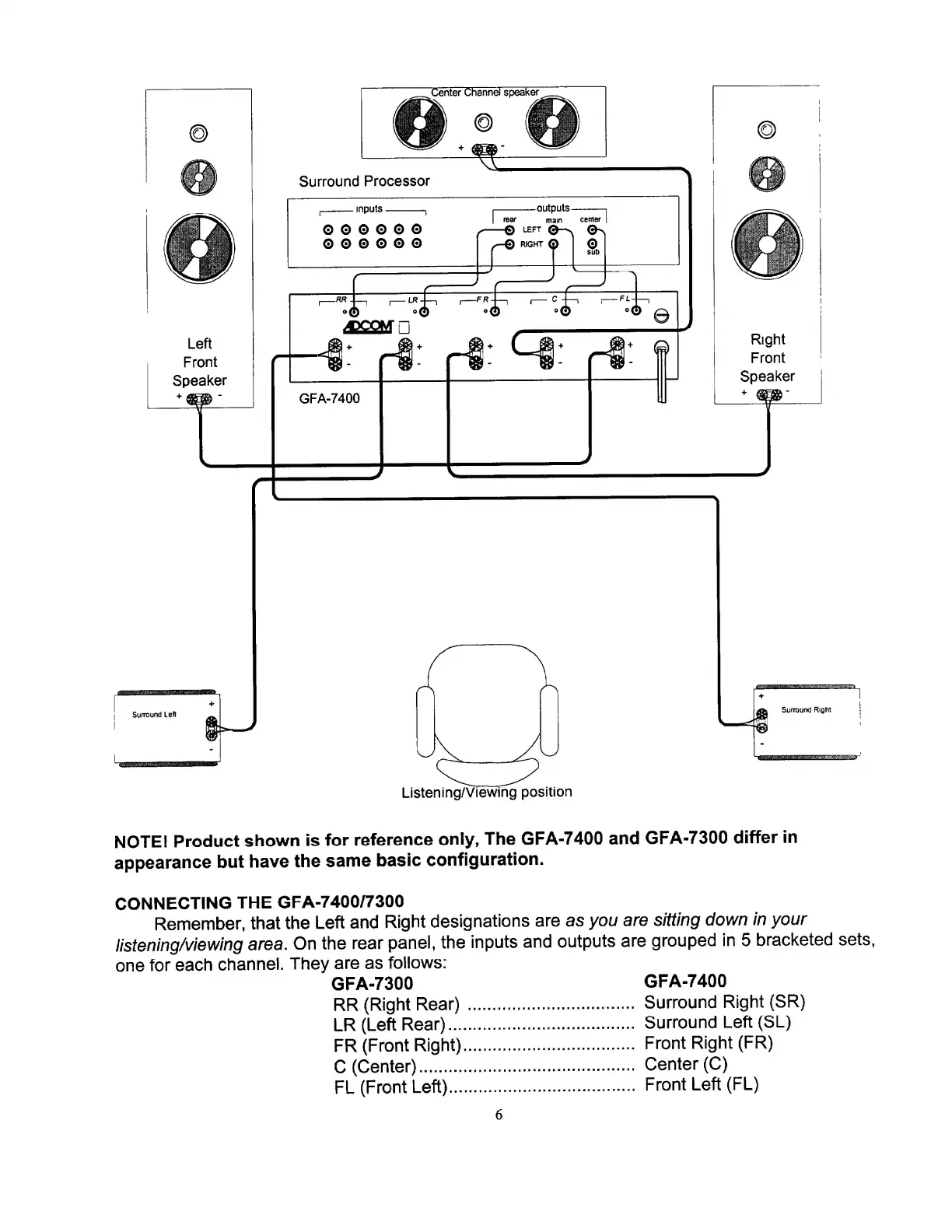
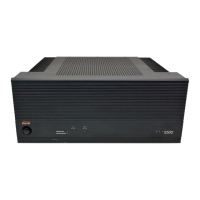
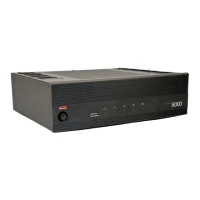
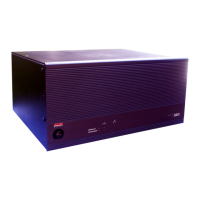
NOTE!
Product
shown
is
for
reference
only,
The
GFA-7400
and
GFA-7300
differ
in
appearance
but
have
the
same
basic
configuration.
CONNECTING
THE
GFA-7400/7300
Remember,
that
the
Left
and
Right
designations
are
as
you
are
sitting
down
in
your
listening/viewing
area.
On
the
rear
panel,
the
inputs
and
outputs
are
grouped
in
5
bracketed
sets,
one
for
each
channel.
They
are
as
follows:
GFA-7300
GFA-7400
RR
(Right
Rear)
LR
(Left
Rear)...
FR
(Front
Right)
C
(Center).
FL
(Front
Left)...
Surround
Right
(SR)
Surround
Left
(SL)
Front
Right
(FR)
Center
(C)
Front
Left
(FL)
6

Other manuals for Adcom GFA-7400

Related product manuals