EasyManua.ls Logo

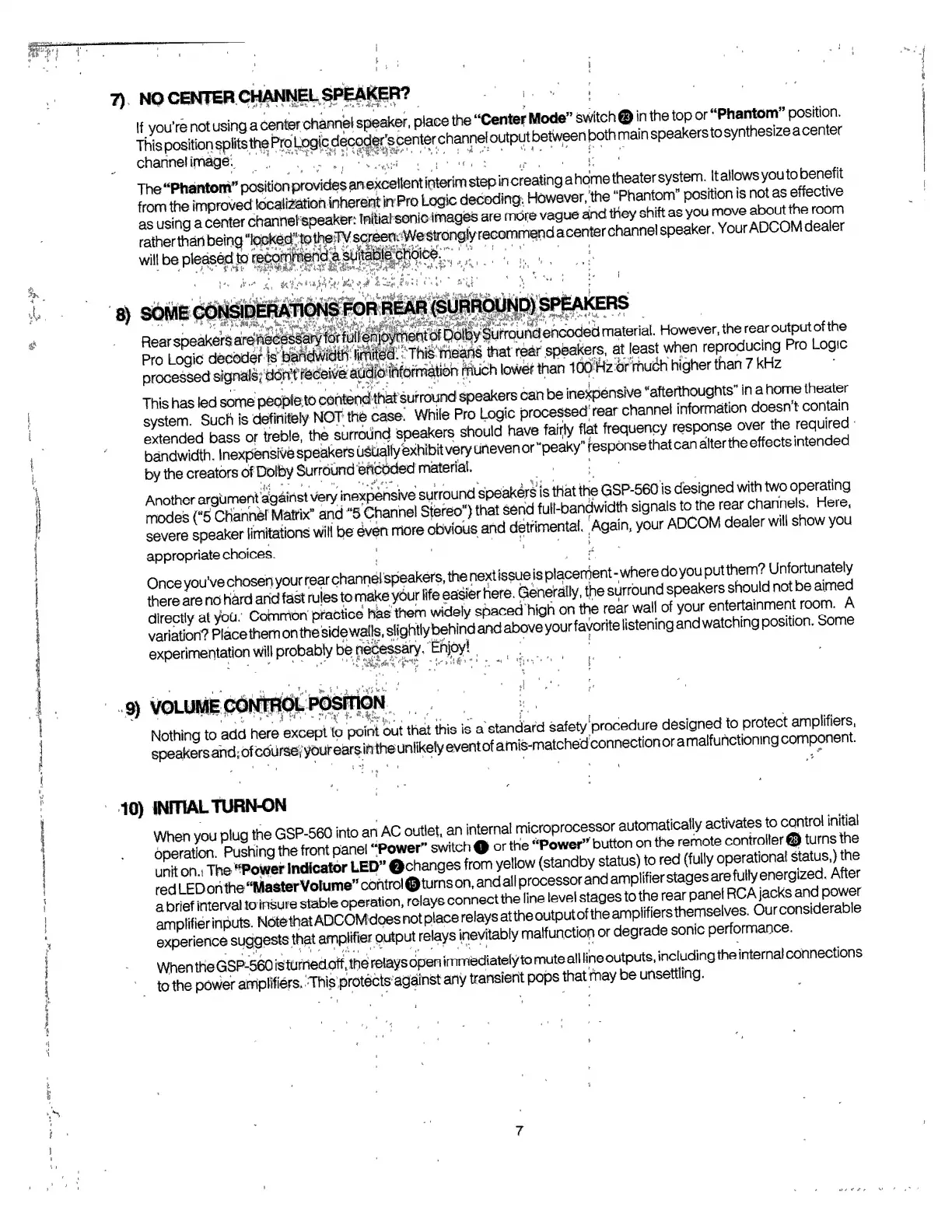
Adcom GSP-560 - Initial System Operation

Adcom GSP-560
14 pages
Print Icon
To Next Page IconTo Next Page
To Previous Page IconTo Previous Page
Loading...
’re
not
using
acenter
channel
speaker,
P^^the
“CeiTter
Mode”^swtch
If
you'
_
.
,
t
channel
image.
l.
It
allows
you
to
benefit
Ttowever/the
"Phantom”
position
is
not
as
effective
The
“Phantom”'
from
the
improvea
®C
8
waa**Hra«ww«
—-
»;
-y
.
.
m
,
mnv
aboLrt
room
®
using
a
^
i."
.*»#^
d
^antordharaisl
sneaker.
Your
ADCOMdealer
ratherthdrt
being
will
be
pleased
tp'
v
-
!'•
>'•'
a
,
Wir**'*^^.'
1
**!*^
*"
*
'
»‘U
bUMt
WWOlWCnMI
MW
rwn
*
*
•*
RearsDeakersarS^^S^^I^W8?»prou«efKX)dedmaterial.
HoweverTherearoutputofthe
that
rear
speakers,
at
least
when
reproducing
Pro
Log.c
much
lower
than
iSSfeOrm*
higher
than
7
kHz
••
;
.
onterKithat
suf
round
speakers
can
be
inexpensive
“afterthoughts"
in
a
home
theater
This
has
,
h
case
Whi
|
e
Pr0
Logic
processed'
rear
channel
information
doesn't
contain
eCed^so?X'KSStpS
shouid
have
falriy
flat
frequency
response
over
the
required
ba^dwk^^xper^vOsp'eakers
usually
exhibitvety
uneven
or
“peaky”
fesponsethat
can
alter
the
effects
intended
by
the
creators
ofDofby
SurroundeftcOded
material.
Another
araument
against
very
inexpensive
surround
speakers
is
that
the
GSP-560
is
designed
with
two
operating
Another
argument
againsx
^
ry
£
full-bandwidth
signals
to
the
rear
channels.
Here,
.«*
your
ADCOM
deafer
will
show^u
appropriate
choices.
VOLUME
CONTROL
POSITION
i
Nothing
,0
add
here
except
to
point
bo,
tha,
thi,
is
a
^dard
saf^^um
speakers
and,
of
course,'
10)
INmAL
TURN-ON
When
you
plug
the
o^erem^mn^olterf^i'tojms
tte
'
unr
0
a
n°The
“Powerlndlcator
LED”
©changes
froSi
yellow
(standby
status)
to
red
(fully
operational
status.)the
red
LEDonthe
“MasterVolume”control©turnson,
and
all
processor
ardamplifierste^^are^uy
energ^nJt^A^e^
ampimer
inputs,
iwic
«.«
__
s^^hh/
maifi
.notion
or
degrade
sonic
performance.
When
the
GSP-560
isturned
off,
the
relays
open
immediately
to
mute
all
line
outputs,
including
the
internal
connections
to
the
power
amplifiers.
This
protects
against
any
transient
pops
that
may
be
unsettling.
7

Related product manuals