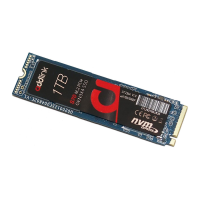
Important Notice
1. Warranty: Before proceeding, ensure your laptop's warranty won't
be voided by opening it or making modifications. Consult the
manufacturer's guidelines if unsure.
2. Professional Assistance: If you're uncertain about the installation,
consider seeking expert help.
3. Static Electricity: Discharge any static by touching a grounded metal
object before handling the SSD.
4. Environment: Please do not use this product in a wet environment.
Make sure that you are working in static-safe environment.
5. Handling: Always hold the SSD by its edges. Avoid touching
connectors or components.
6. Data Safety: Backup all crucial data before starting.
7. Compatibility: Ensure your laptop supports M.2 NVMe 2280 SSDs.
8. Operating System: If the SSD is your primary drive, prepare a
bootable USB with your desired OS.
9. Label: Do not remove or tamper with the SSD's label or sticker.
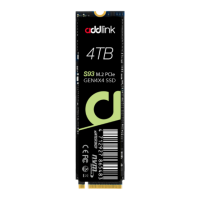
addlink S93
Laptop Installation
Guide
Introduction
Important Notice
Preparation
SSD Installation
Initializing the SSD
Single Storage Laptop


 To Next Page