SSD Installation
1. Ensure the laptop is off and unplugged.
2. Detach the battery if possible.
3. Use an anti-static wristband or touch a metal object periodically.
4. Open the laptop's back panel.
5. Organize screws by size/type to avoid confusion during
reassembly.
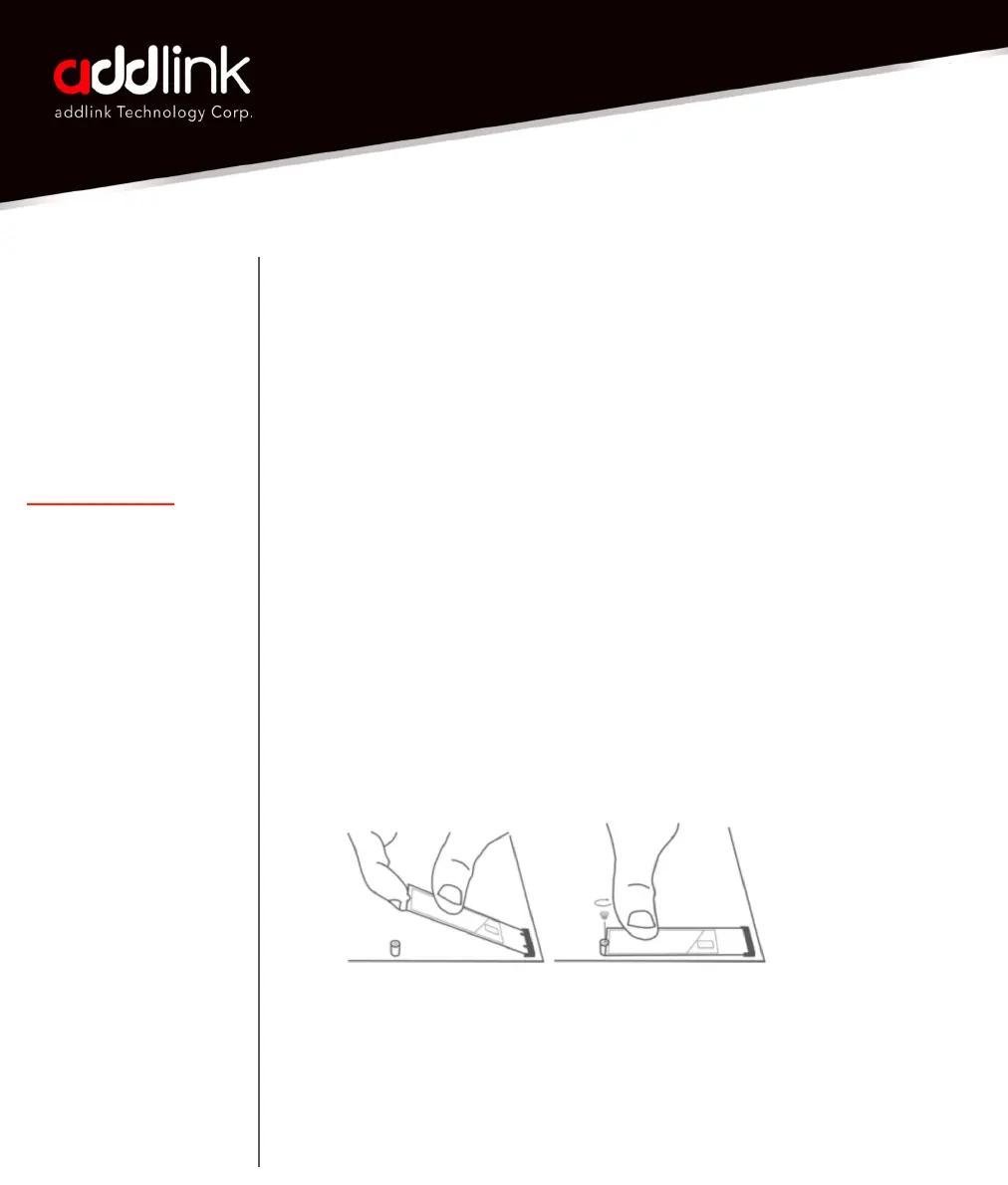
6. Identify the M.2 slot. Align the SSD with the slot's notch.
7. Insert the SSD at a 30-degree angle, then press down gently.
addlink S93
Laptop Installation
Guide
Introduction
Important Notice
Preparation
SSD Installation
Initializing the SSD
Single Storage Laptop



 To Next Page