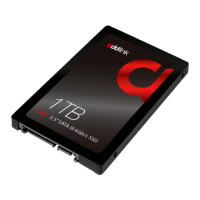
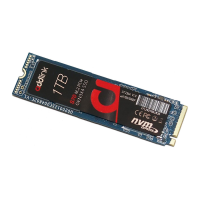
For Single Storage Slot Laptops
1. Backup & Preparation:
• Backup data to an external source.
• Prepare a bootable USB with your OS.
2. Replace Primary Drive: Refer to the "SSD Installation" section.
3. Boot from USB: Access the BIOS/UEFI and set the USB as the
primary boot device.
4. OS Installation: Follow on-screen prompts and select the SSD as
the installation destination.
5. SSD Initialization: Post OS installation, the SSD might need
initialization.
addlink S93
Laptop Installation
Guide
Introduction
Important Notice
Preparation
SSD Installation
Initializing the SSD
Single Storage Laptop


 To Next Page