30
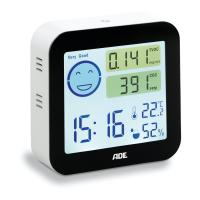
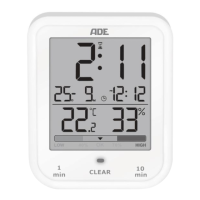
CK 2304 bathroom clock
Set time and date
If more than 15 seconds pass between
two button presses, the setting process is
automatically terminated and you have to
repeat it.
The indication of the displayed values
changes faster by holding
or .
With the batteries in place, all indications will appear
briefly on the display, and you will hear a beep. After
a short time, the display shows the measured room
temperature and indoor air humidity.
1. Hold the
button until the year digit flashes on the
display.
2. Use
or to set the current year and press to
save the setting.
3. Proceed as described above:
− Press the button
or to set the desired value.
− Press
each time to save the setting.
4. Adjust the following settings:
− Month
− Day
− Hour
− Minute
5. Finally, press
to end the setup process.


 To Next Page