Alarm
25
CK 2113 | CK 2308 XL radio-controlled wall clock
Alarm
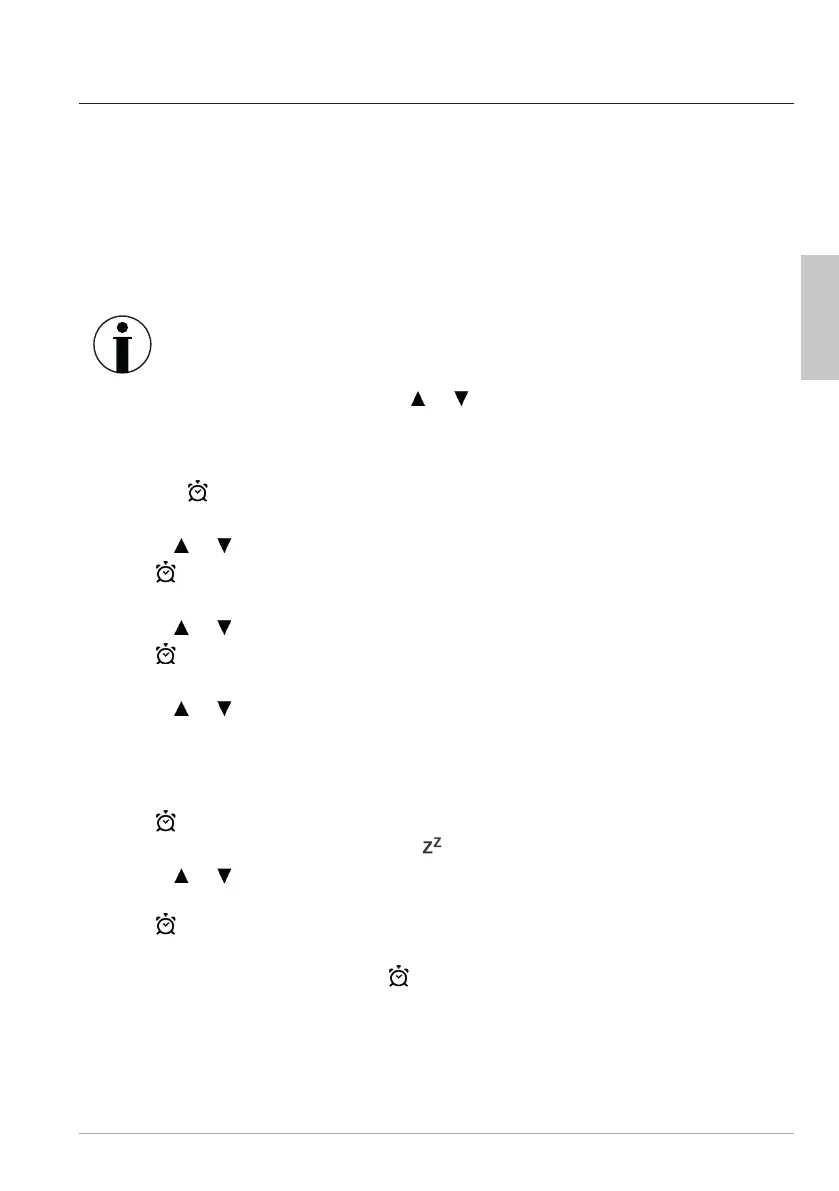
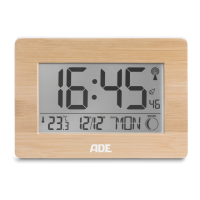
The device offers the possibility of setting two alarm times independently of each
other. For each alarm time you can specify the days on which it should be active:
Monday to Friday (“M-F” display) or
Saturday to Sunday (“S-S” display) or
Monday to Sunday (“M-S” display).
Setting the alarm time
If there is more than approx. 20 seconds between two pushes of a
button, the setting process automatically ends and you will have to
repeat it.
If you press and hold the
or buttons, the displayed values will be
increased or decreased more quickly.
Both alarm times are set in the same way.
1. Keep the
button pressed for a few seconds until “AL 1” appears on the display
and the wake-up hour display flashes.
2. Use the
or button to set the desired wake-up hour.
3. Press
.
The minute indicator for the alarm time blinks on the display.
4. Use the
or button to set the desired wake-up minute.
5. Press
.
“M-F”, “S-S” or “M-S” flashes on the display.
6. Use the
or button to set the desired alarm minute:
− Monday to Friday (“M-F” display) or
− Saturday to Sunday (“S-S” display) or
− Monday to Sunday (“M-S” display).
7. Press
.
“05” (= default setting 5 minutes) and “ ” flash on the display.
8. Use the
or button to set the desired time span for the snooze function (time
span between two alarms). If you select “OFF”, the snooze function is switched off.
9. Press
.
10. Proceed as described to make the same settings for “AL 2”. If you do not want to set
a second alarm time, simply press
repeatedly until the normal display is shown
again.
English



 To Next Page