M118000+M118000-01-210305-Rev002-UM-en
Seite 27 von 112
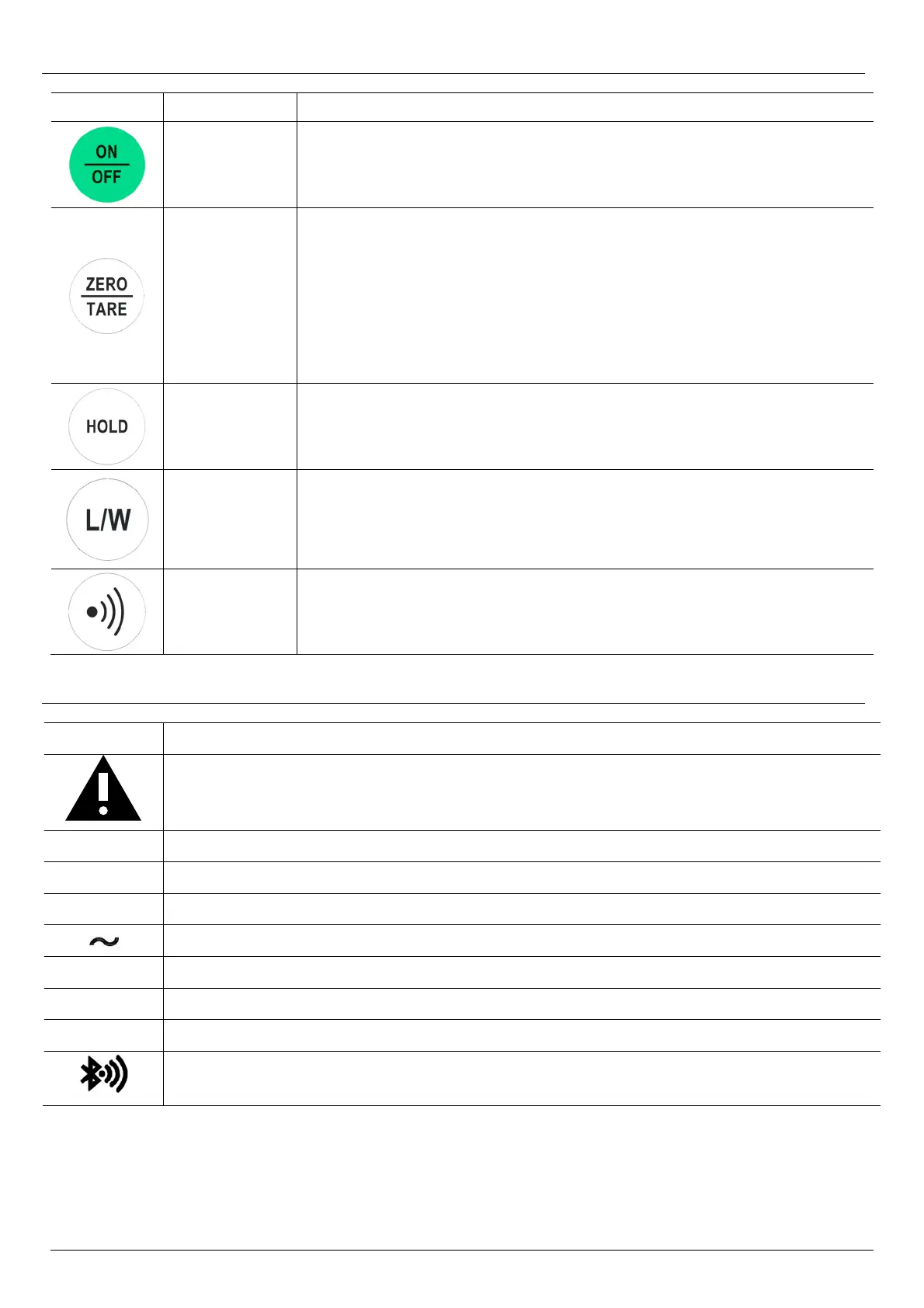
4.1 Key names and functions
Symbol Description Function
ON/OFF
ON/OFF Key:
Switches the scale on and off.
ZERO /
TARE
Multi-function key:
ZERO key:
Sets the scale to "ZERO".
(Only for loads in the range -0.2 kg to +0.6 kg).
TARE key:
Enables the tare function.
(Only for loads less than -0.2 kg or greater than +0.6 kg).
HOLD
HOLD key:
Activates the automatic hold function.
LENGTH /
WEIGHT
Multi-function key:
L/W key:
Toggles the display between weight and length determination.
(Only for scales with length measuring system.)
TRANSMIT
TRANSMIT key:
Transmits the measurement result to a compatible receiving device.
(Only for scales with transmitter module.)
4.2 Display symbols
Symbol Meaning
Non-calibratable function!
HOLD function determines weight from a sequence of measured values.
„Hold“ Hold function is activated.
„Net“ Tare function is activated.
>0< The scale is in zero point.
The weighing result is stable.
Kg / lb Determined weight in "kilograms" or "pounds”.
´´ / cm Determined body height in "inch" or "cm.
WI / WII Indicates the weighing range (only for multi-range version).
Indicates the transmission of the measurement result to the paired receiving
device.


 To Next Page