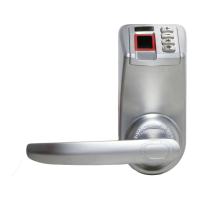
Trinity 788 Operation Manual
Trinity 788 Operation Manual
15 16
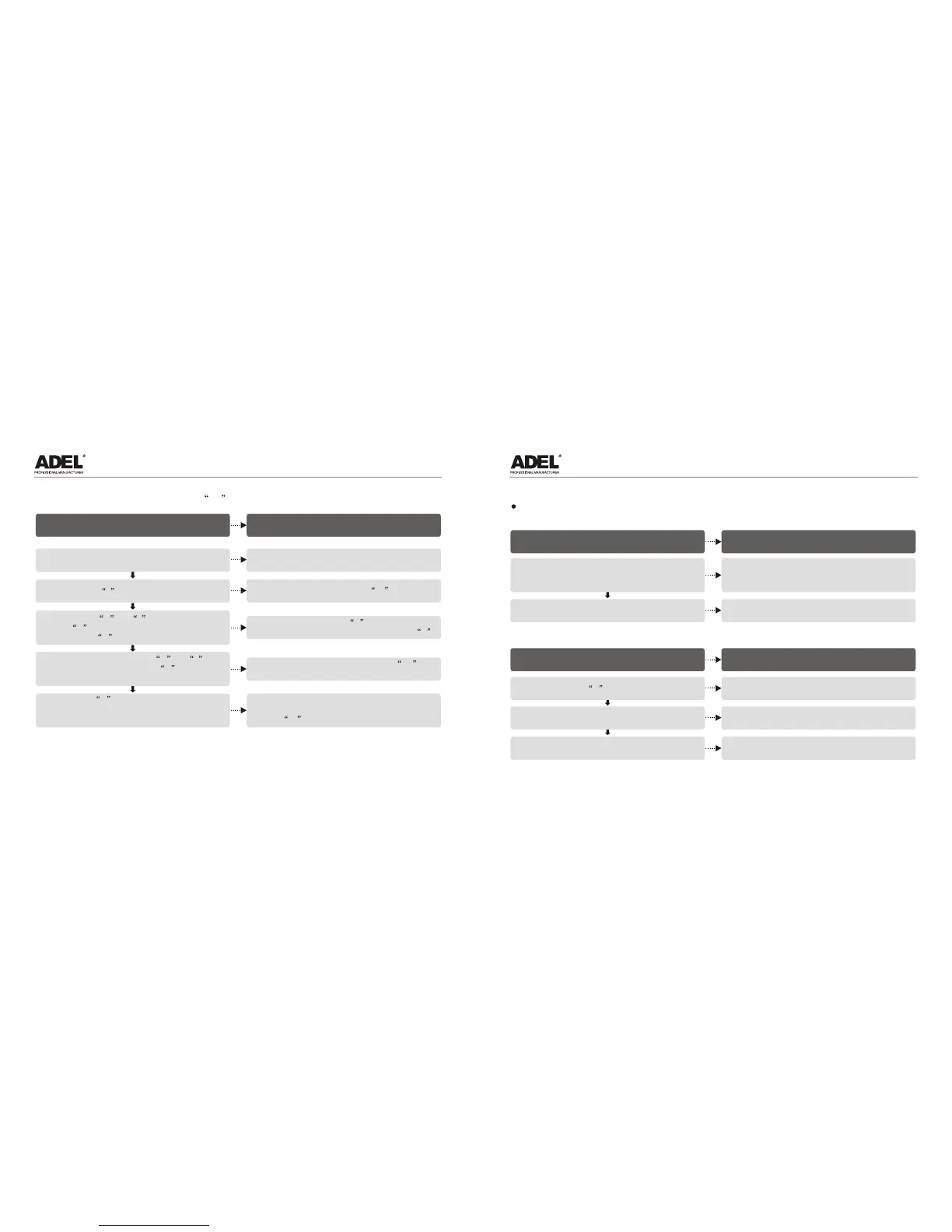
VI. Deletion of password (Code 99 )
Operational procedure
Indication of the lock
Put the master finger that has been enrolled
on the fingerprint window and enter door open state
Press Button - to enter the deletion mode
Green light is on,
and the LED displays the code of the master fingerprint
The LED displays 0-
Press Button + or - to choose the first
digit 9 of the password code, and press
Button # to confirm the choice
The LED displays the figure 9 just set which jumps
to the tens place, and the ones place displays 0
Continue to press Button + or -
to adjust the seconddigit 9 of the
fingerprint code,and press Button # to confirm
The LED displays the fingerprint code 99 and
flashes alternately.
Press Button # to reconfirm the fingerprint
code to be deleted, and the deletion of
the member fingerprint is completed
The light on the fingerprint window flash one time
with a relatively sharp and quick beep, the LED
displays 0- and stops display two seconds later
Put the finger enrolled on the fingerprint window, hold
the finger for recognition, and enter the door open state
The LED displays the fingerprint code,
and the electric engine makes a rolling sound
VII. Daily use state
Open the door with fingerprint
1. Start automatically
Operational procedure
Indication of the lock
Put the finger enrolled on the fingerprint window,
and the lock will activate automatically. Hold the
finger for recognition, and enter the door open state
The green light is on,
the LED displays the fingerprint code,
and the electric engine makes a rolling sound
Turn the handle to open the door
Otherwise it will automatically be locked
5 seconds later
2. Start manually
Operational procedure
Indication of the lock
Press Button # to activate the lock
The green light is on, and the red light on the
fingerprint window is on
Turn the handle to open the door
Otherwise it will automatically be locked
5 seconds later


 To Next Page