EasyManua.ls Logo

Adesso NuScan 2100 Series - User Manual

Adesso NuScan 2100 Series
14 pages
Print Icon
To Next Page IconTo Next Page
Loading...
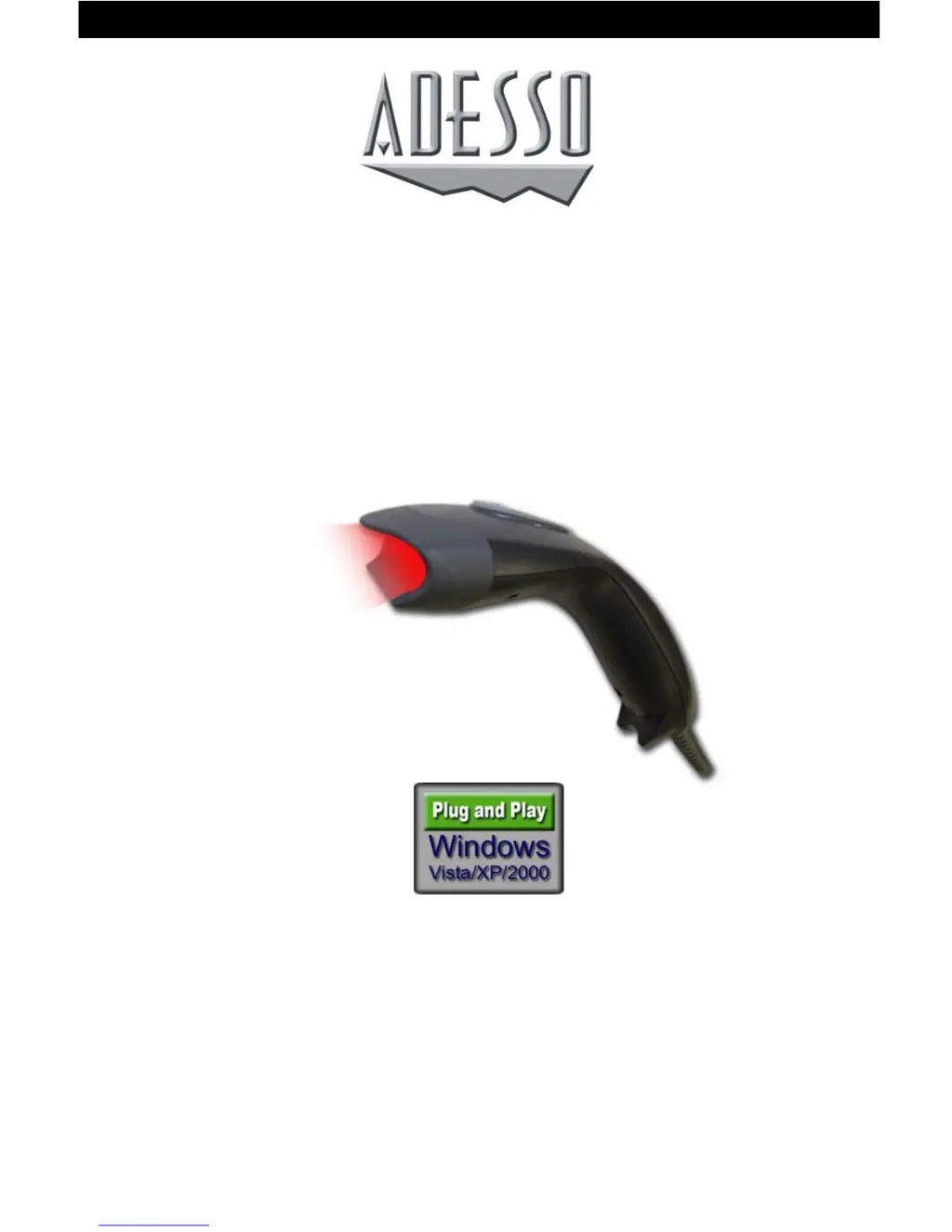
BARCODE SCANNER
USER'S GUIDE
NUSCAN 2100 Series

Other manuals for Adesso NuScan 2100 Series

Questions and Answers

  • O
    oromeroJul 26, 2025
    Why is my Adesso Barcode Reader light on but not decoding?
    • E
      Erica BarrettJul 26, 2025
      There are several reasons why your Adesso Barcode Reader might be lit but failing to decode symbols. First, the scanner may not be programmed for the correct bar-code type. Refer to the Programming Guide to select the correct interface and ensure the scanner is programmed to read the barcode type you are scanning. Second, the barcode symbol itself might be unreadable; check to make sure it is not damaged, and try scanning test symbols of the same barcode type. Finally, the distance between the scanner and barcode could be incorrect; try moving the scanner closer to or further from the barcode.
  • C
    Christopher RodgersAug 5, 2025
    What to do if scanned data from Adesso NuScan 2100 is incorrectly displayed?
    • J
      John LiuAug 5, 2025
      If scanned data from your Adesso Barcode Reader is incorrectly displayed, it's likely that the scanner isn't properly programmed to work with the host system. Ensure the correct host type is selected. For RS-232 connections, verify that the scanner’s communication parameters match the host’s settings. If using keyboard emulation, ensure the system is programmed for the correct keyboard type and that the CAPS LOCK key is off. Also, confirm that editing options like UPC-E to UPC-A Conversion are correctly programmed.
  • B
    Briana GrahamAug 14, 2025
    What to do if Adesso NuScan 2100 Barcode Reader symbol is decoded, but not transmitted to the host?
    • S
      Susan MurphyAug 14, 2025
      If your Adesso Barcode Reader decodes the symbol but doesn't transmit it to the host, the scanner may not be programmed for the correct host type. Ensure the scanner is configured to the appropriate host type by scanning the corresponding programming barcode on the Programming Guide.

Summary

Installation

Scanning Mode Selection

Beeper Mode Selection

Default Parameters

Barcode Scan Field

Technical Specifications

Trouble Shooting

Scanner No Response

Addresses issues where the scanner shows no response to operating instructions.

Symbol Not Decoded

Solutions when the scanner lights up but fails to decode barcode symbols.

Decoded but Not Transmitted

Troubleshooting steps when the scanner decodes a symbol but doesn't transmit it.

Product Support

Adesso NuScan 2100 Series Specifications

General IconGeneral
BrandAdesso
ModelNuScan 2100 Series
CategoryBarcode Reader
LanguageEnglish

Related product manuals