EasyManua.ls Logo

ADI AR-146 - TRANSMITTER OPERATION; Transmit Basics

ADI AR-146
44 pages
Print Icon
To Next Page IconTo Next Page
To Previous Page IconTo Previous Page
Loading...
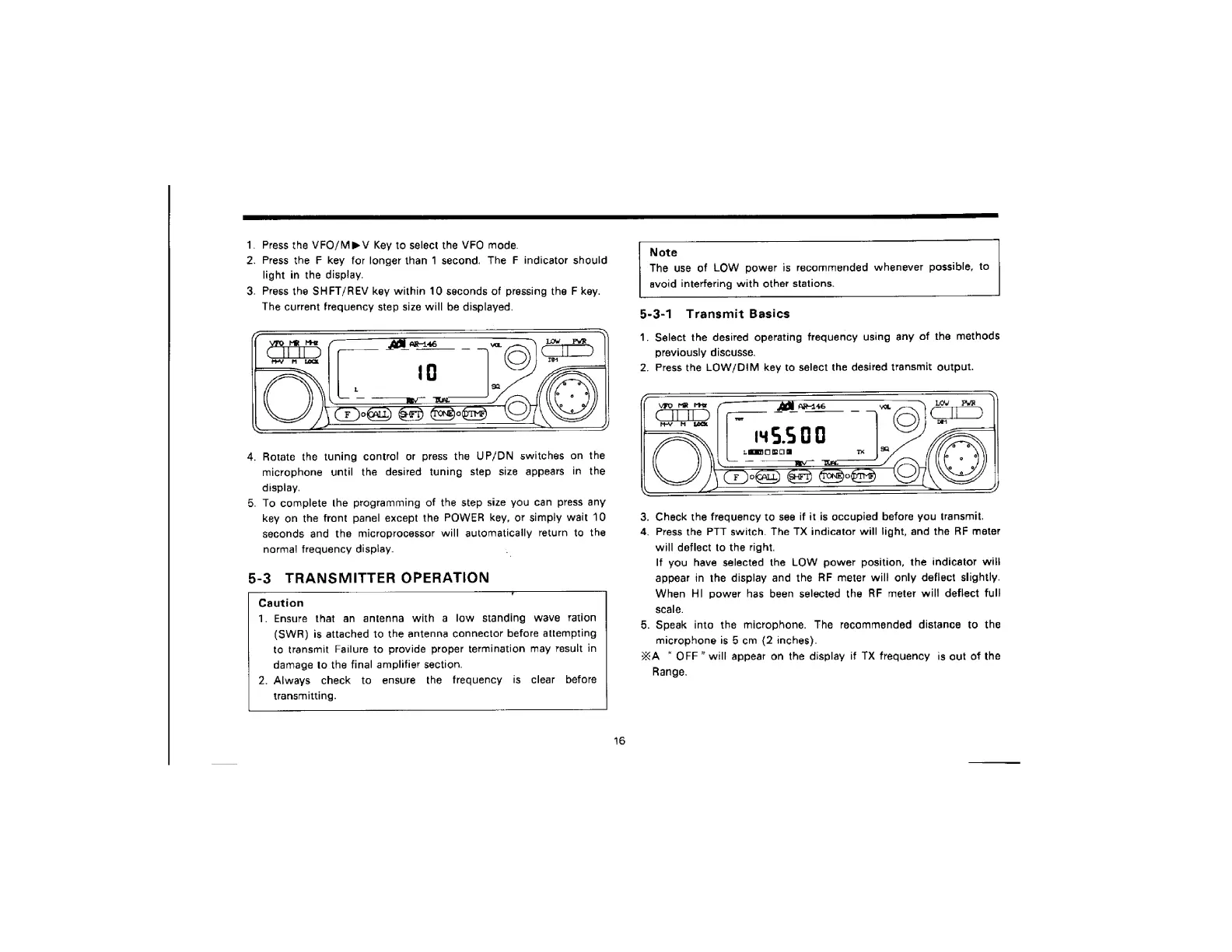
1.
Press
the
VFO/MPV
Key
to
select
the
VFO
mode.
2.
Press
the
F
key
for
longer
than
1
second.
The
F
indicator
should
light
in
the
display.
3.
Press
the
SHFT/REV
key
within
10
seconds
of
pressing
the
F
key.
The
current
frequency
step
size
will
be
displayed.
4.
Rotate
the
tuning
control
or
press
the
UP/DN
switches
on
the
microphone
until
the
desired
tuning
step
size
appears
in
the
display.
5.
To
complete
the
programming
of
the
step
size
you
can
press
any
key
on
the
front
panel
except
the
POWER
key,
or
simply
wait
10
seconds
and
the
microprocessor
will
automatically
return
to
the
normal
frequency
display.
5-3
TRANSMITTER
OPERATION
Caution
1.
Ensure
that
an
antenna
with
a
low
standing
wave
ration
(SWR)
is
attached
to
the
antenna
connector
before
attempting
to
transmit
Failure
to
provide
proper
termination
may
result
in
damage
to
the
final
amplifier
section.
2.
Always
check
to
ensure
is
clear
before
transmitting.
the
frequency
16
Note
The
use
of
LOW
power
is
recommended
whenever
possible,
to
avoid
interfering
with
other
stations.
5-3-1
Transmit
Basics
1.
Select
the
desired
operating
frequency
using
any
of
the
methods
previously
discusse.
2.
Press
the
LOW/DIM
key
to
select
the
desired
transmit
output.
3,
Check
the
frequency
to
see
if it
is
occupied
before
you
transmit.
4.
Press
the
PTT
switch.
The
TX
indicator
will
light,
and
the
RF
meter
will
deflect
to
the
right.
If
you
have
selected
the
LOW
power
position,
the
indicator
will
appear
in
the
display
and
the
RF
meter
will
only
deflect
slightly.
When
HI
power
has
been
selected
the
RF
meter
will
deflect
full
scale.
5.
Speak
into
the
microphone.
The
recommended
distance
to
the
microphone
is
5
cm
(2
inches).
xA
OFF”
will
appear
on
the
display
if
TX
frequency
is
out
of
the
Range.

Related product manuals