EasyManua.ls Logo

ADI AR-446 - MAINTENANCE; General Information; Service

Default Icon
44 pages
Print Icon
To Next Page IconTo Next Page
To Previous Page IconTo Previous Page
Loading...
a
OOOO
el
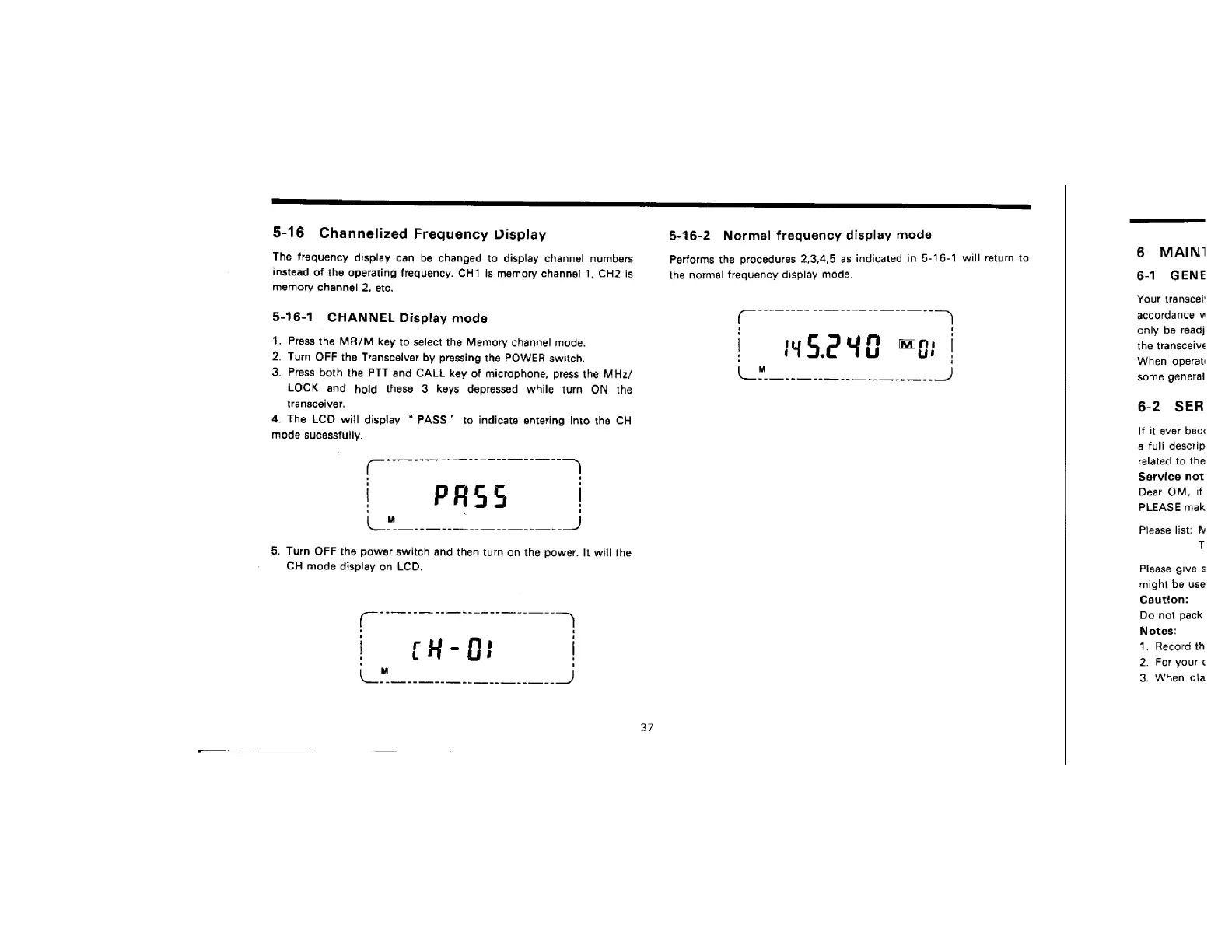
5-16
Channelized
Frequency
Display
The
frequency
display
can
be
changed
to
display
channel
numbers
instead
of
the
operating
frequency.
CH1
is
memory
channel
1,
CH2
is
memory
channel
2,
etc.
the
normal
frequency
display
made.
5-16-1
CHANNEL
Display
mode
(—
1.
Press
the
MR/M
key
to
select
the
Memory
channel
mode.
|
fu
G
2
u
m
2.
Turn
OFF
the
Transceiver
by
pressing
the
POWER
switch.
3.
Press
both
the
PTT
and
CALL
key
of
microphone,
press
the
MHz/
\_™
LOCK
and
hold
these
3
keys
depressed
while
turn
ON
the
transceiver.
4.
Fhe
LCD
will
display
“PASS”
to
indicate
entering
into
the
CH
mode
sucessfully.
5.
Turn
OFF
the
power
switch
and
then
turn
on
the
power.
It
will
the
CH
mode
display
on
LCD.
37
§-16-2
Normal
frequency
display
mode
Performs
the
procedures
2,3,4,5
as
indicated
in
5-16-1
will
return
to
6
MAIN‘
6-1
GENE
Your
transcet
accordance
v
only
be
reagj
the
transceive
When
operat
some
general
6-2
SER
If
it
ever
bec:
a
fuli
descrip
related
to
the
Service
not
Dear
OM,
if
PLEASE
mak
Please
list:
i
T
Please
give
§
might
be
use
Caution:
Do
not
pack
Notes:
1.
Record
th
2.
For
your
¢
3.
When
cla

Related product manuals