Installation •• 7
Choose the default option “Driver from disk provided by hardware
manufacturer” and then a dialog box is shown to prompt you give the
path of installation disk.
Place ADLink’s “Manual & Software Utility” CD into the appropriate CD
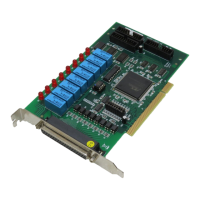
drive. Type “X:\Win95Inf\7250” (this directory includes PCI-7250 device
information file “Pci7250.inf”) in the input field (X indicates the CD ROM
drive) and then click OK. The system will start the installation of PCI-
7250.
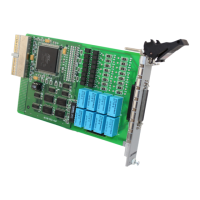
For cPCI-7252, please get the software driver from “X:\Win95Inf\7252”
subdirectory.


 To Next Page
 Loading...