6 •• Installation
Inspect the card module carton for obvious damage. Shipping and
handling may cause damage to your module. Be sure there are no
shipping and handing damages on the module before processing.
After opening the card module carton, extract the system module and
place it only on a grounded anti-static surface component side up.
Again inspect the module for damage. Press down on all the socketed
IC's to make sure that they are properly seated. Do this only with the
module place on a firm flat surface.
Note : DO NOT APPLY POWER TO THE CARD IF IT HAS BEEN
DAMAGED.
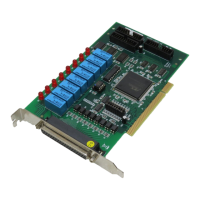
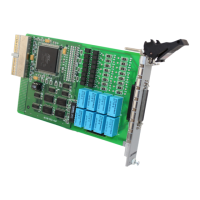
You are now ready to install your 7250 series products.
2.3 Device Installation for Windows 95
While you first plug PCI-7250 or cPCI-7252 card and enter Windows 95,
the system will detect this device automatically and show the following
dialog box that prompts you to select the device information source.


 To Next Page
 Loading...