22 •• C/C++ Libraries
♦♦ Windows 95 Software Installation
1. Turn your PC's power switch on and enter Windows 95
2. Put the ADLink’s “Manual & Software Utility” CD into the
appropriate CD driver.
3. If Windows 95 is loaded, choose Run from the Start menu.
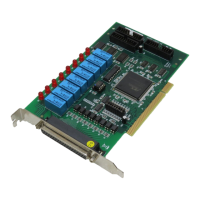
4. For PCI-7250/7251, please type
X:\NuDAQPCI\7250\Win95\Setup.exe in the Run dialog box. (X
indicates the CD ROM driver).
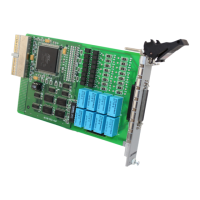
5. For cPCI-7252, please type X:\NuIPC\7252\Win95\Setup.exe in
the Run dialog box. (X indicates the CD ROM driver).
Setup first displays a Welcome dialog box. Please click Next button to
go on installation.
After a welcome dialog box, Setup prompts the following dialog box
for you to specify the destination directory. The default path is
C:\ADLink\7250\W95. If you want to install PCI-7250/51 DLL for
Windows 95 in another directory, please click Browse button to
change the destination directory.


 To Next Page
 Loading...