129
ADOBE FRAMEMAKER 7.0
Classroom in a Book
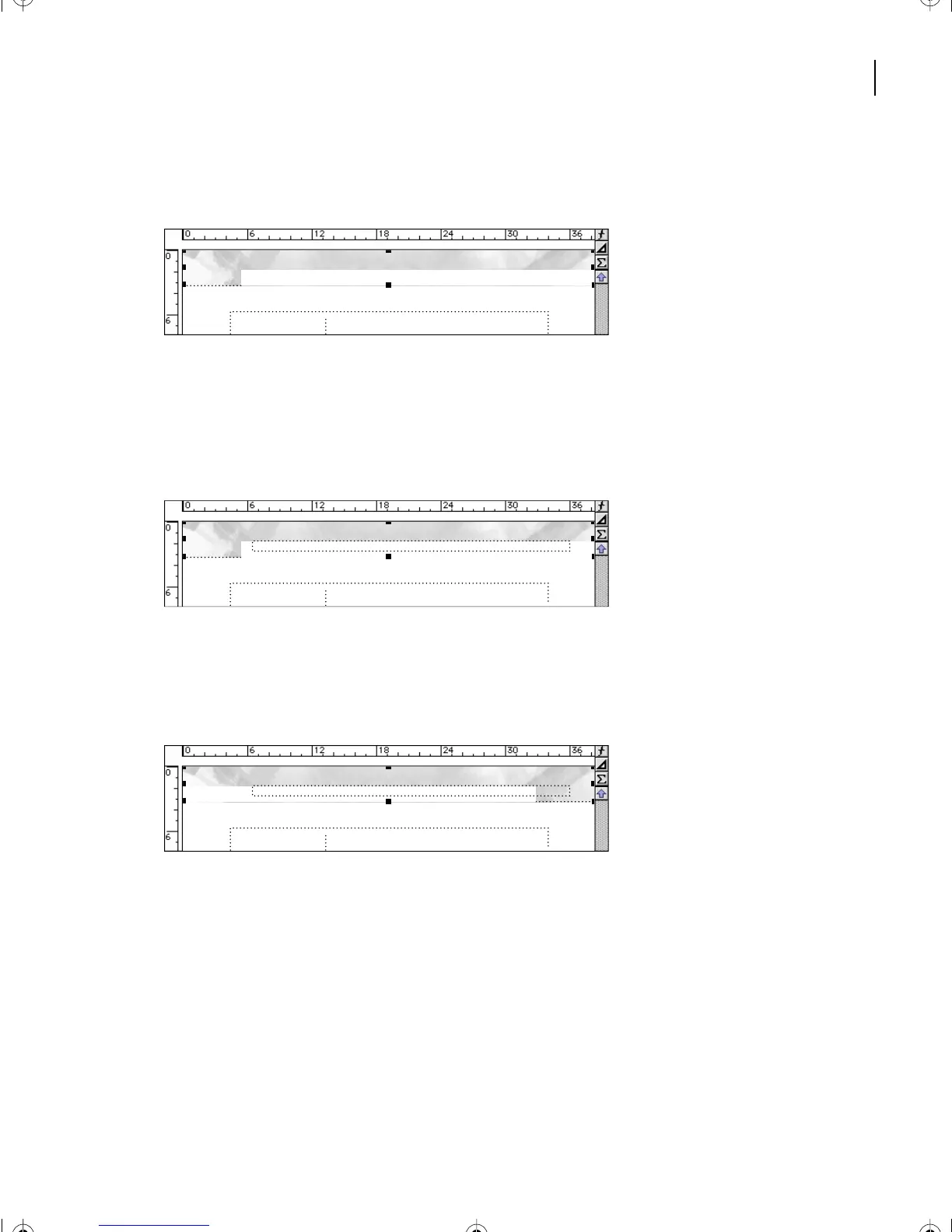
3 Choose Edit > Paste. The graphic appears at the top of the page, in the same position
as on the Left master page.
The page header disappeared, because the graphic was pasted in front of the header text
frame.
4 With the graphic still selected, choose Graphics > Send to Back. The header text frame
reappears.
To make the notch in the graphic (created by the white rectangle you drew in the previous
section) appear on the left, you’ll flip the graphic.
5 With the graphic still selected, choose Graphics > Flip Left/Right.
6 If you want, choose View > Body Pages to display the first page of the document, and
then scroll through the document to see the modified headers and footers. When you’re
finished, choose View > Master Pages and make sure the Right master page is displayed.
7 Save the document.
#
#
L05.fm Page 129 Saturday, July 6, 2002 11:45 AM



 To Next Page