163
ADOBE FRAMEMAKER 7.0
Classroom in a Book
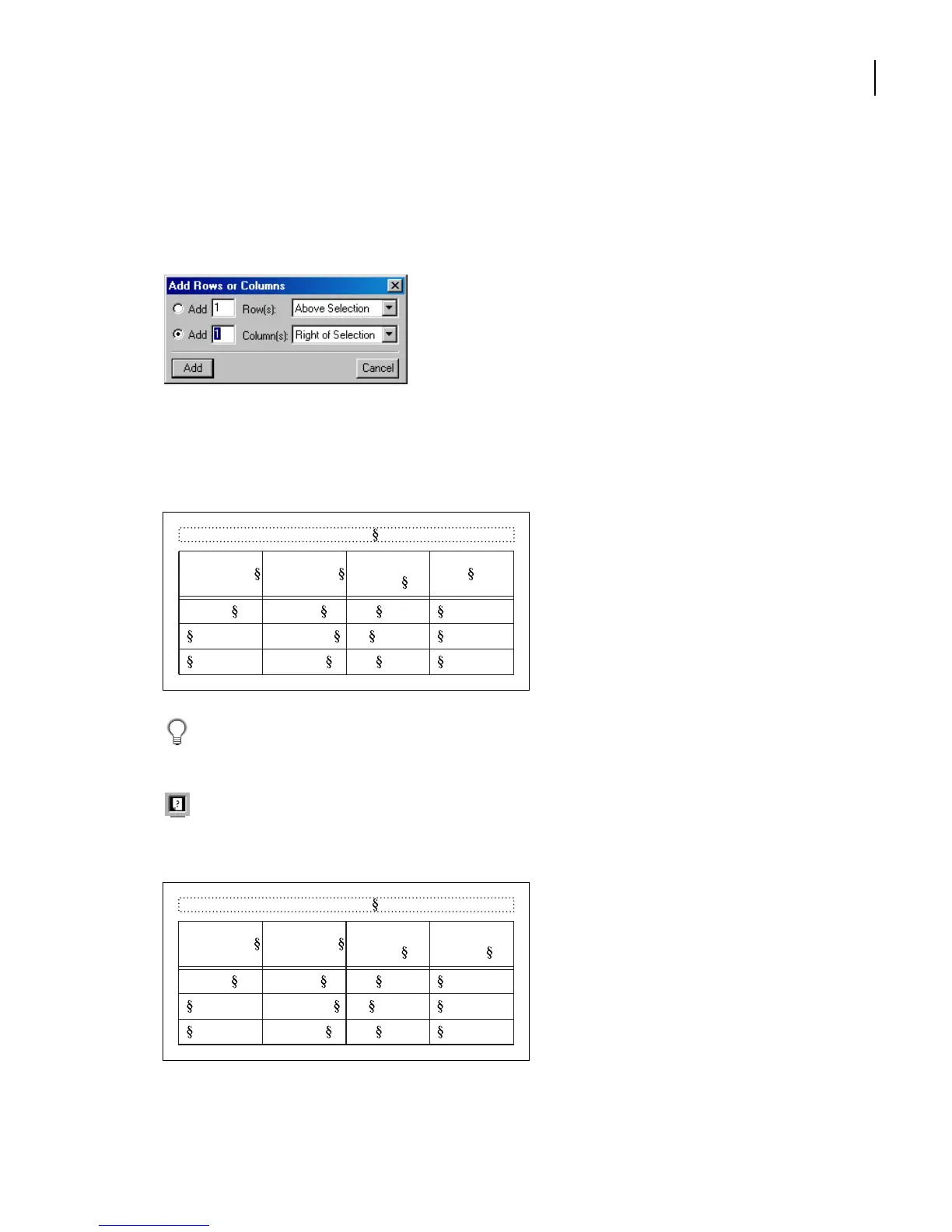
Now you’ll add a column.
4
With the insertion point still in the last column, choose Table > Add Rows or Columns.
5
Select Add 1 Column, choose Right of Selection from the pop-up menu, and click Add.
A fourth column appears at the right side of the table, and the table moves into the side-
head area because it’s too wide to fit entirely in the body column. You’ll fix this later; the
entire table will eventually appear in the body text area.
The QuickAccess bar contains some commonly used commands for editing tables. To
display the QuickAccess bar, choose View > QuickAccess Bar.
For online help for the table commands, click the question mark on the QuickAccess Bar.
6
Click in the empty heading cell at the top of the new column; type
Resolution (ppi)
.
Table 1:
Image Size Publication
Line Screen
(lpi)
5 x 5 in. Art book 175
Newspaper 80
Magazine 133
Table 1:
Image Size Publication
Line Screen
(lpi)
Resolution
(ppi)
5 x 5 in. Art book 175
Newspaper 80
Magazine 133



 To Next Page